FusionFlo Features

Structure for Forms

Template Management

Templates serve as the foundation for all forms, allowing you to design and customise the structure before sending out forms to collect data.

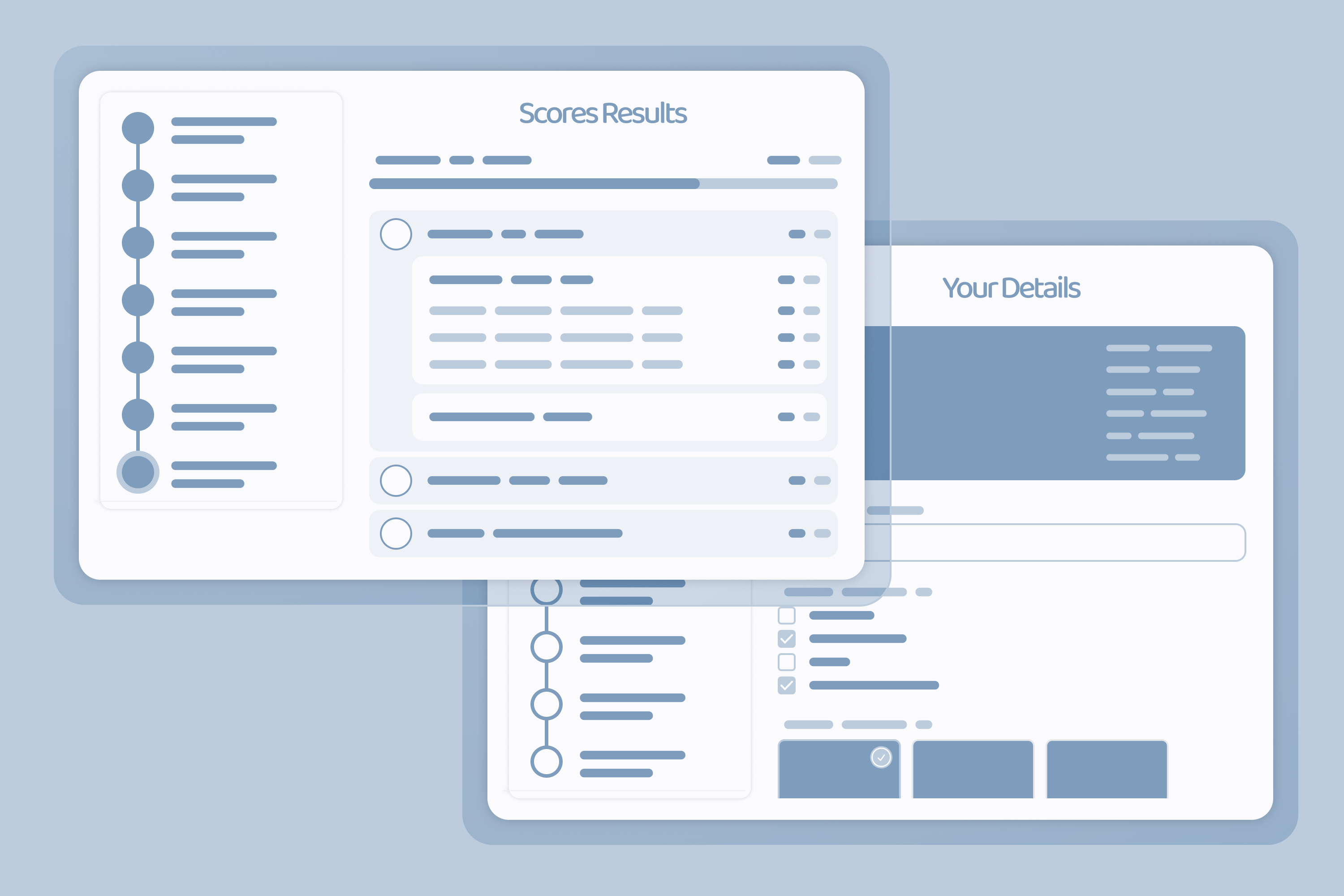
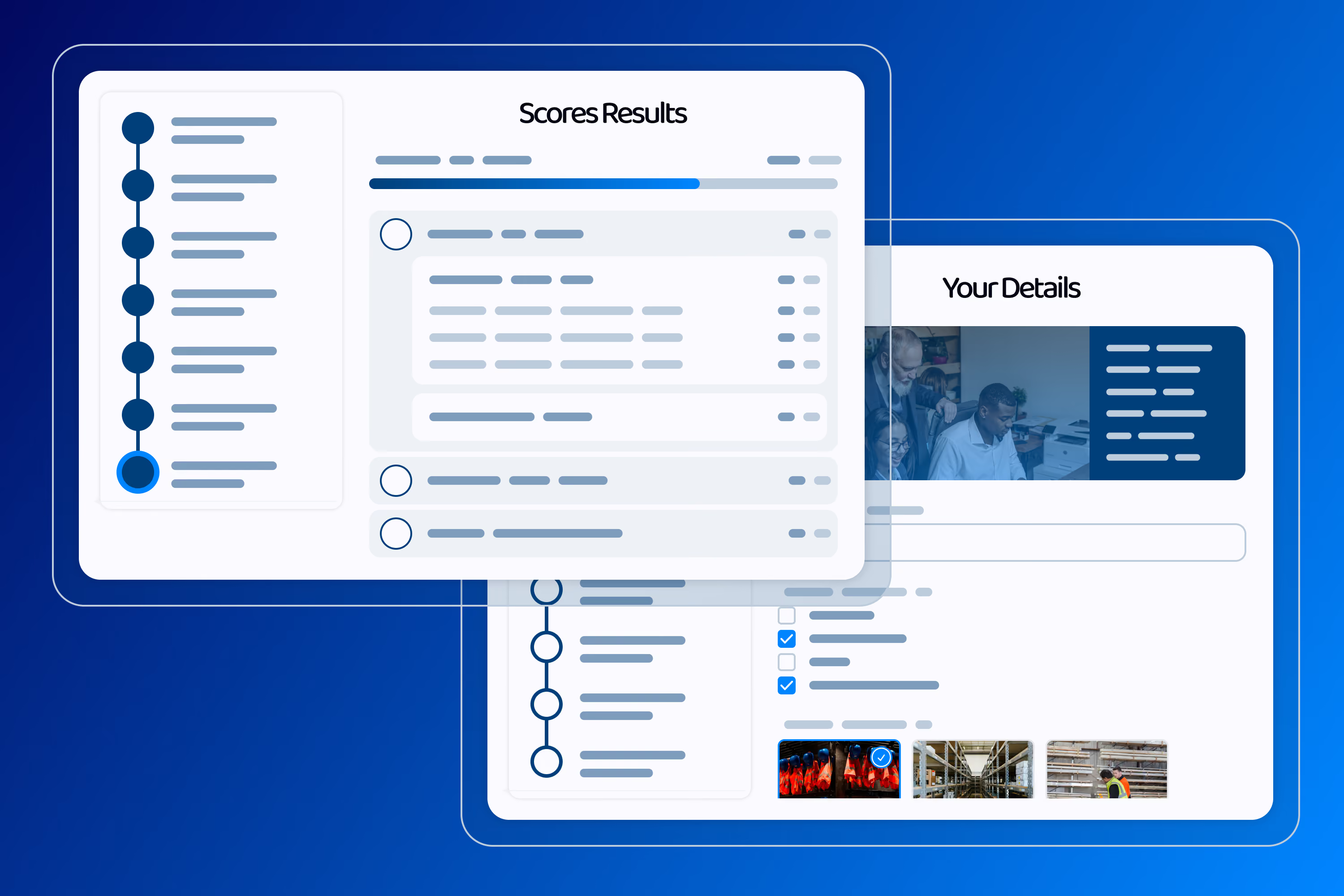
Response Scoring

Assign scores to answers so you can rank, qualify or grade responses automatically. Useful for quizzes, assessments and lead qualification forms.

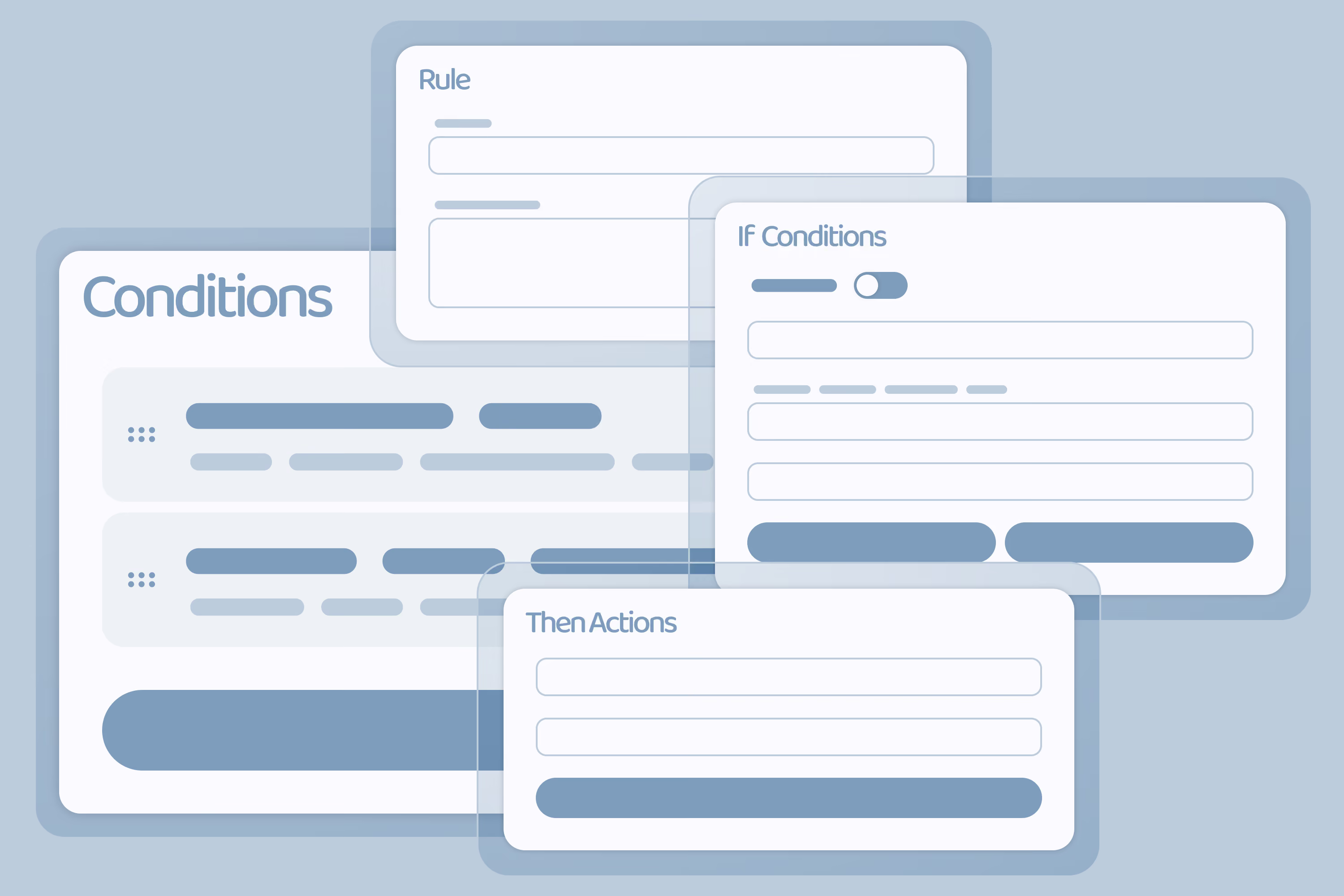
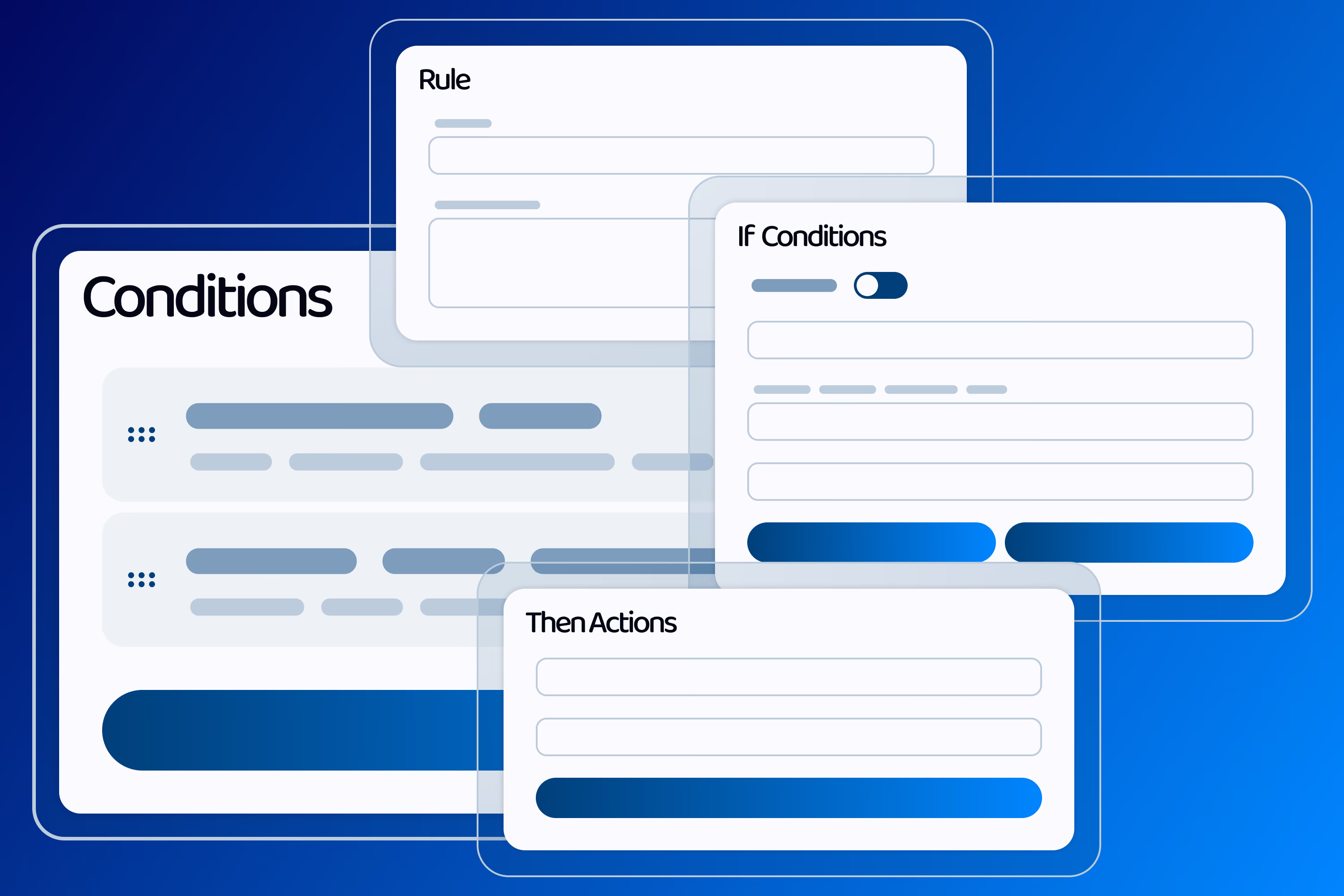
Conditional Logic For Questions

Show or hide questions based on how a respondant answers previous ones. Keep forms short and relevant by only asking what applies to them.

Template Sections

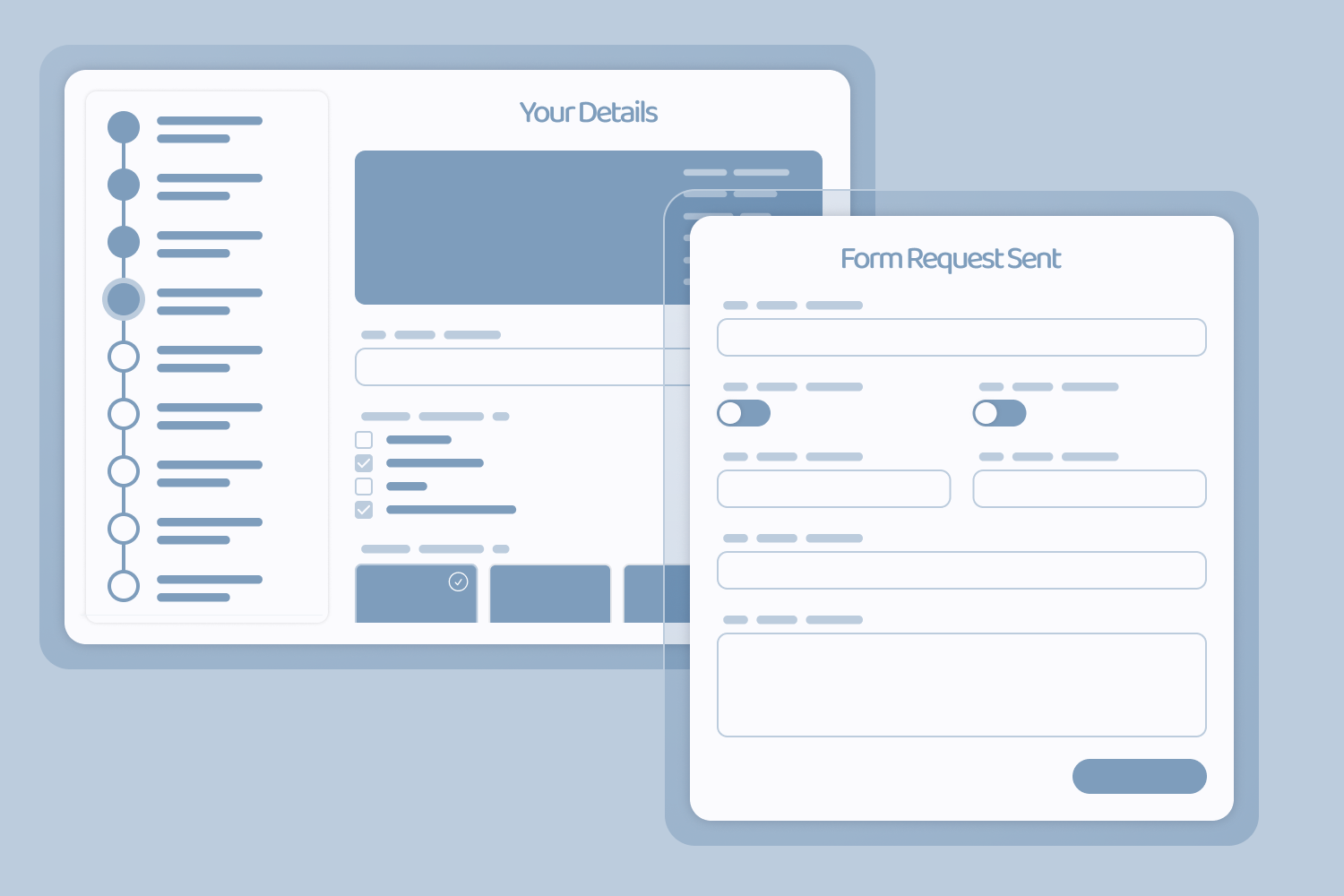
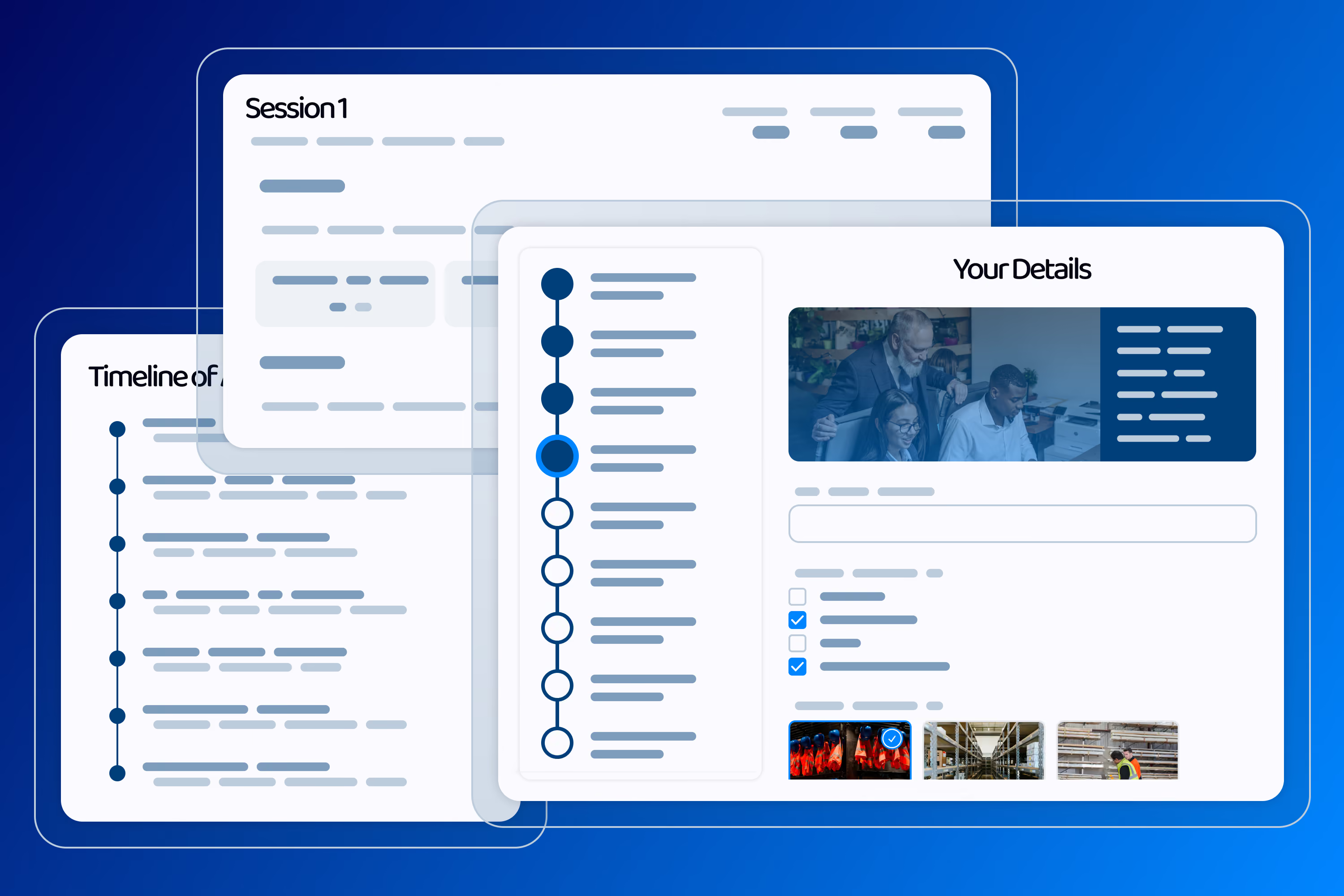
Section your template to break up long forms and group similar items together. Make it easy for respondents to navigate a form linearly or to jump around with sections.

File Uploads

Allow respondents to upload various file types, limit which types and how many to capture the files you need.

Collect Signatures

Adding a Signature Form Control to your template will allow you to capture their signatures, written or typed. Useful for project signoff and disclaimers.

Pinterest Boards

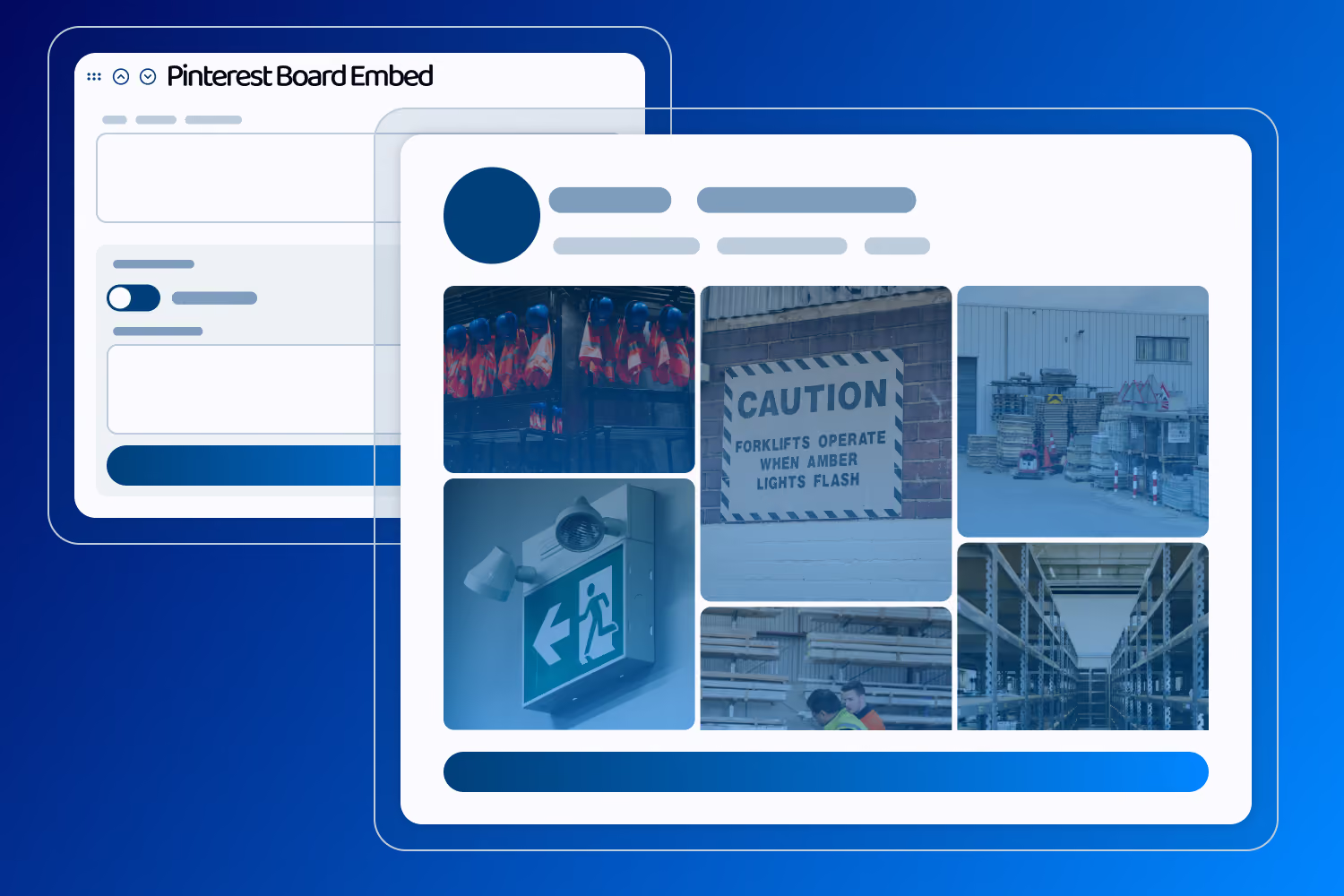
Let respondents answer a question with a Pinterest Board, allow respondents to share their inspiration or mood boards easily.

Add Form Control Questions

Lets you add forms to your templates for data collection. Forms can be customised to gather specific information. From simple text inputs to specialised file uploads, you are sure to find what you need.

Add Image Grids

Show off text and images to help provide context or just break up longer forms. Useful for providing inspiration to respondants.

Add Banners

Add decorative banners that instruct respondants or help provide further context.

Preview Template

While customising your template, see how the form request will look and test if it will work as expected before sending to anyone. See what templates will look like on mobile, tablet and desktop.

Customise Templates

Adjust content, questions and settings as your requirements change and keep templates accurate over time.

Create Templates

Enables you to create new templates from scratch. You can design templates according to your specific requirements.

Version Control

Allows you to manage different versions of your templates. This ensures that you can revert to previous versions if needed.

Manage Templates

Provides an overview of all your templates and their statuses, helping you keep track of activities and updates. Organise templates and their forms into categories to find what you need faster.

Send Requests

Form Management

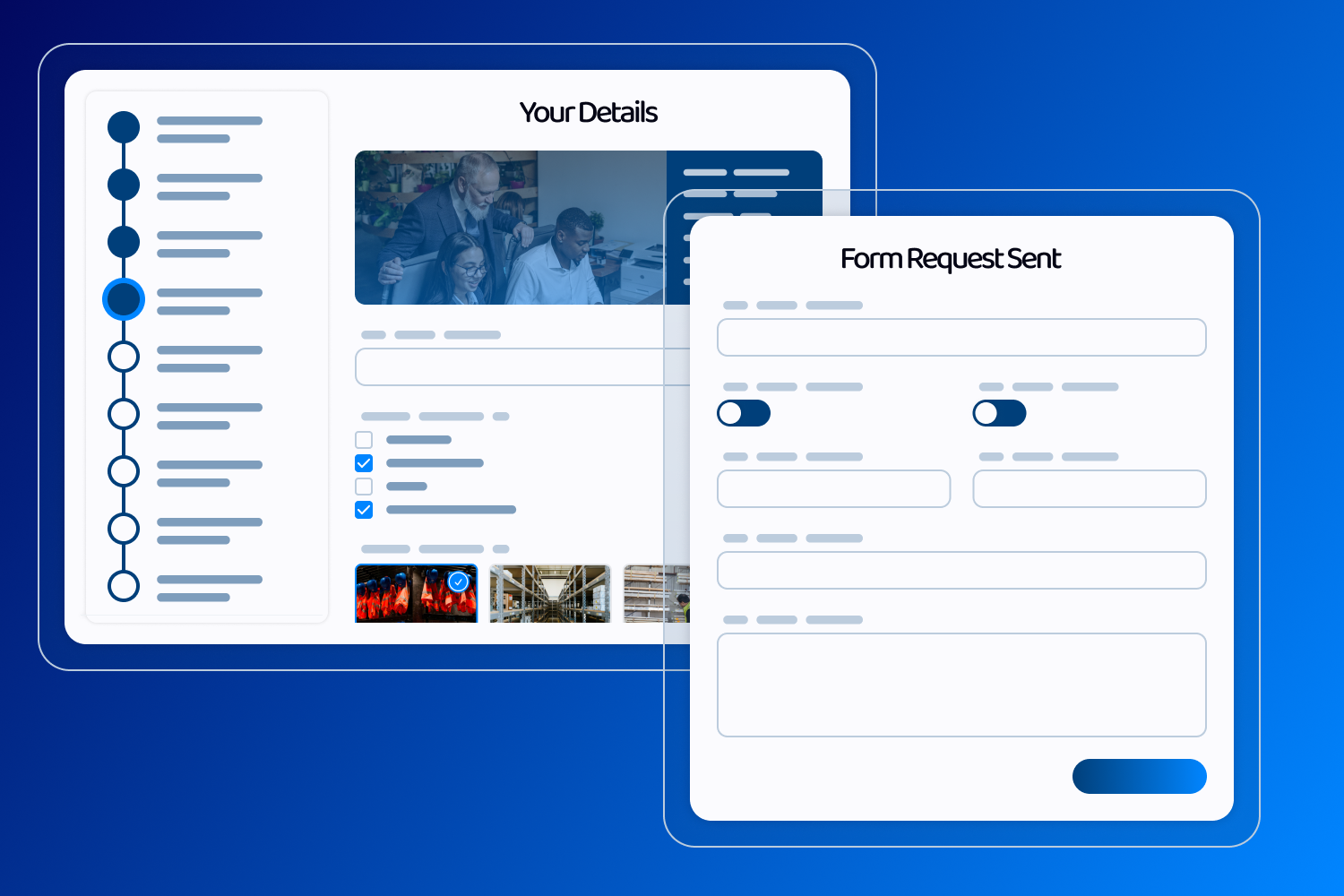
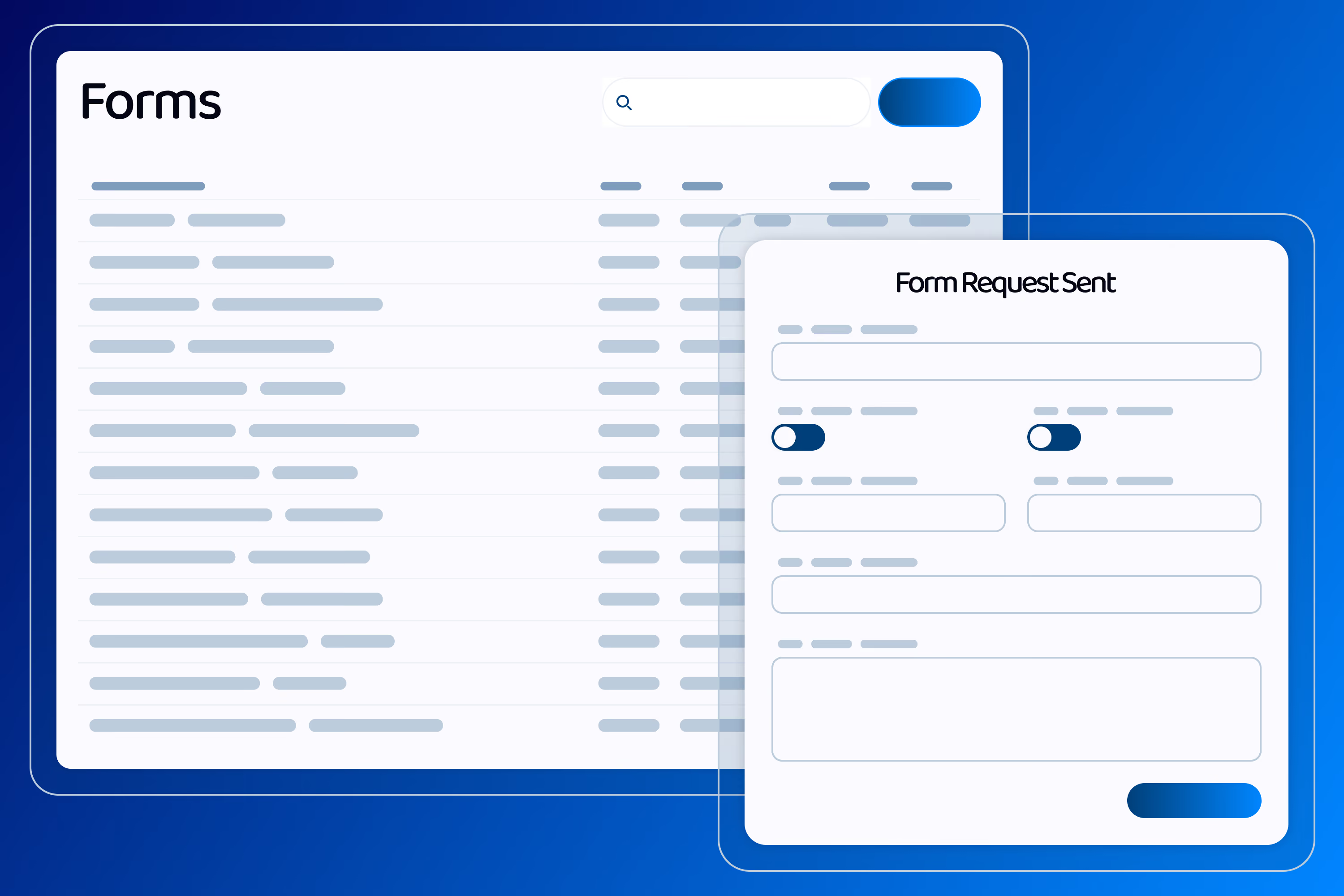
Send your templates as form requests and have clients, employees and other stakeholders fill them in.

Capture Timestamp of Response

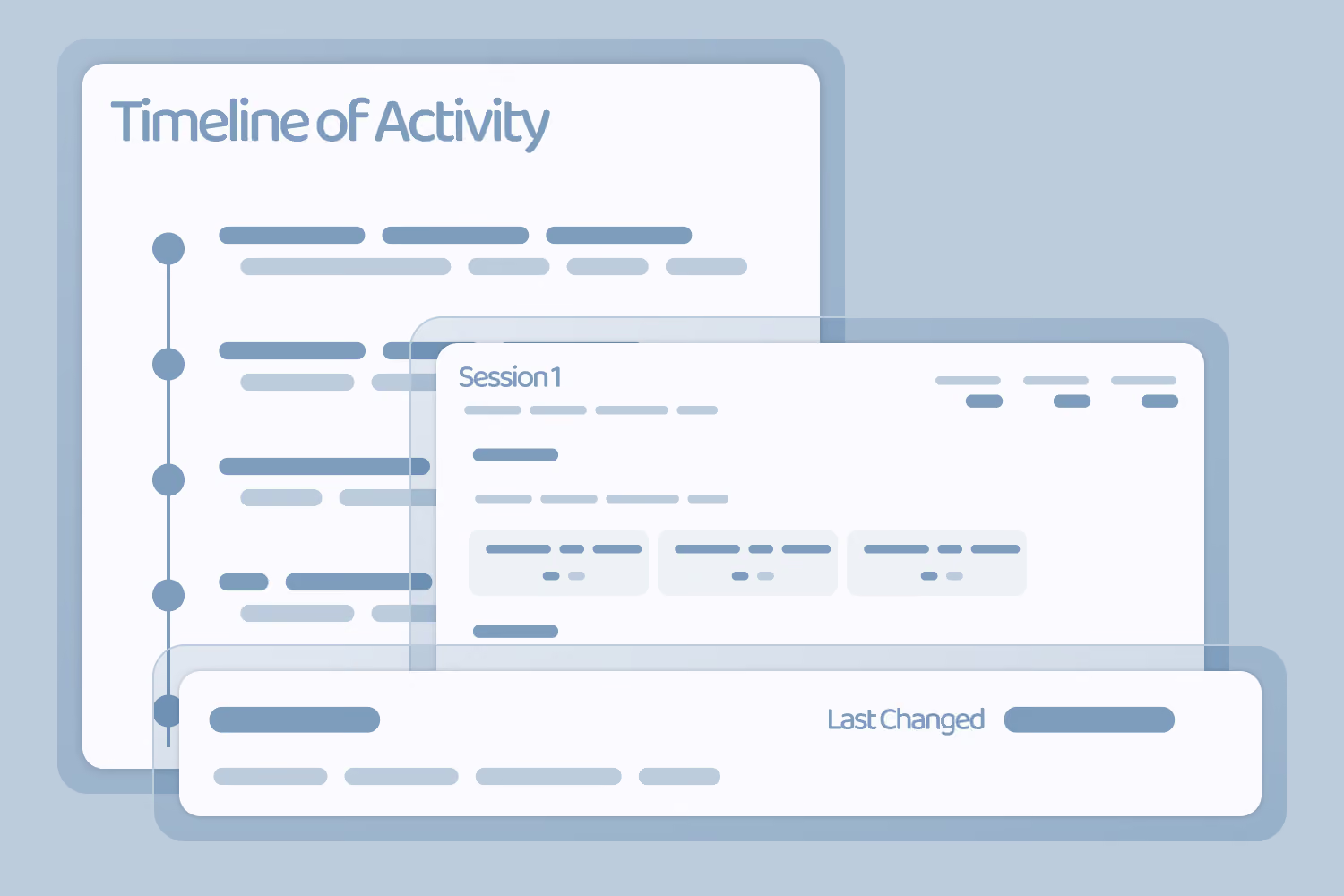
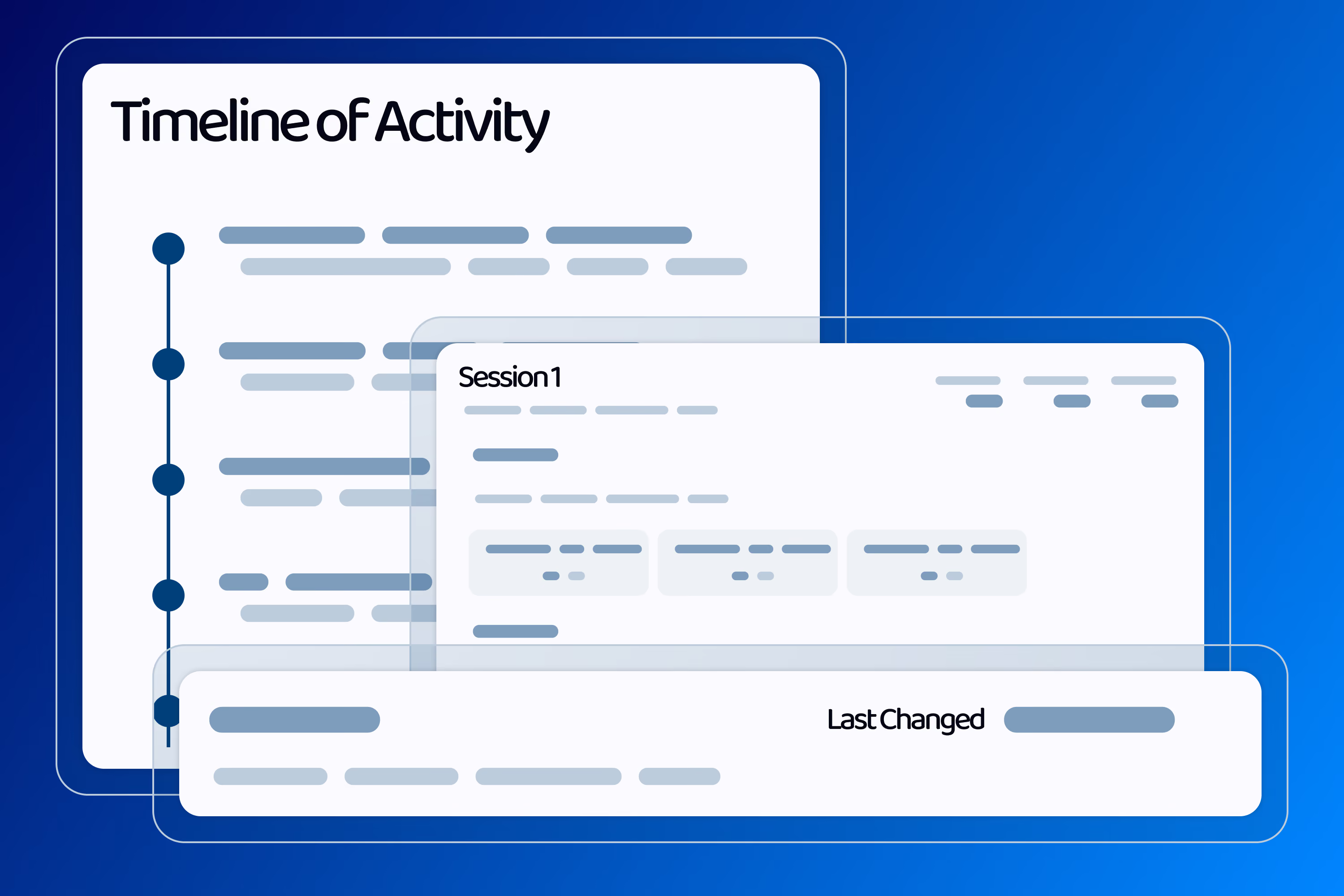
Automatically records the exact date and time a response is submitted. Useful for record keeping, audits and tracking turnaround times.

Capture location of Responses

Automatically captures the respondant's location when they submit a form. Useful for verifying where work was carried out or a response was made.

Analytics

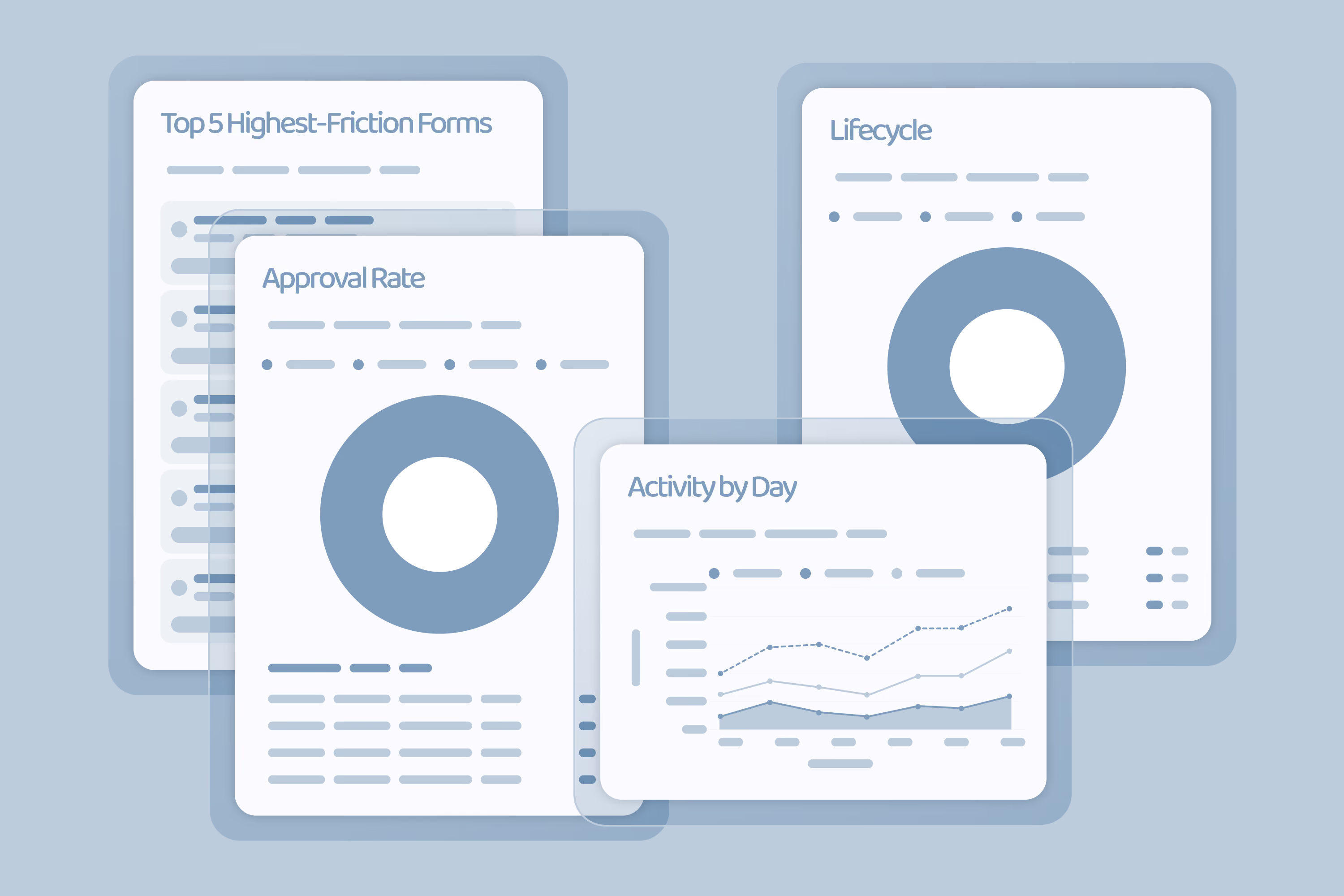
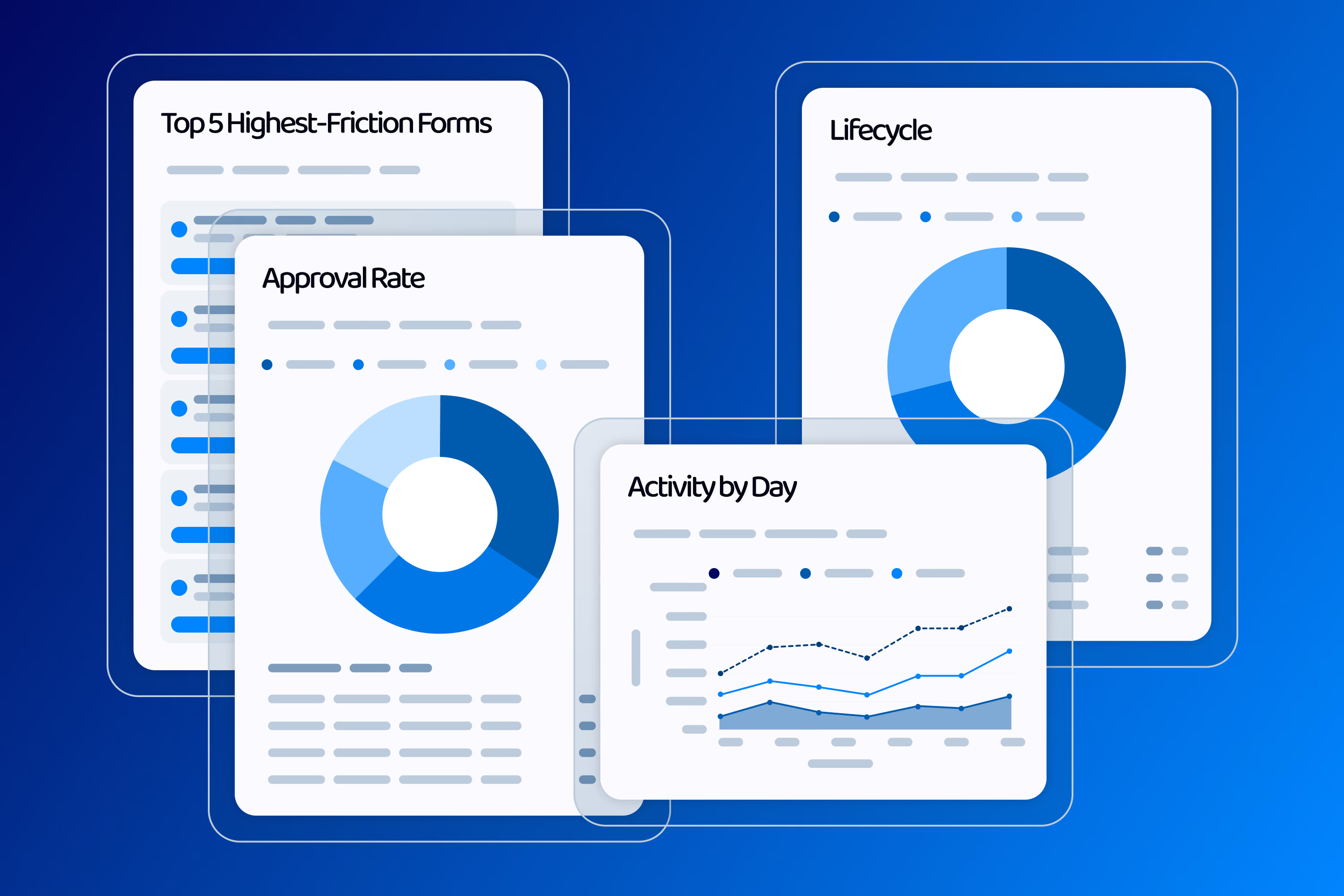
Get an overview of how your templates and forms are performing, including completion rates and response volumes, so you can see what's working at a glance.

Export Forms

Export form responses as PDF, get all the attachements and answers for your records or to send to other stakeholders.

Monitor Responses

Curious how far your respondent has gotten? Or want to help them complete their form? Access the instance and see exactly what they see!

Send Requests

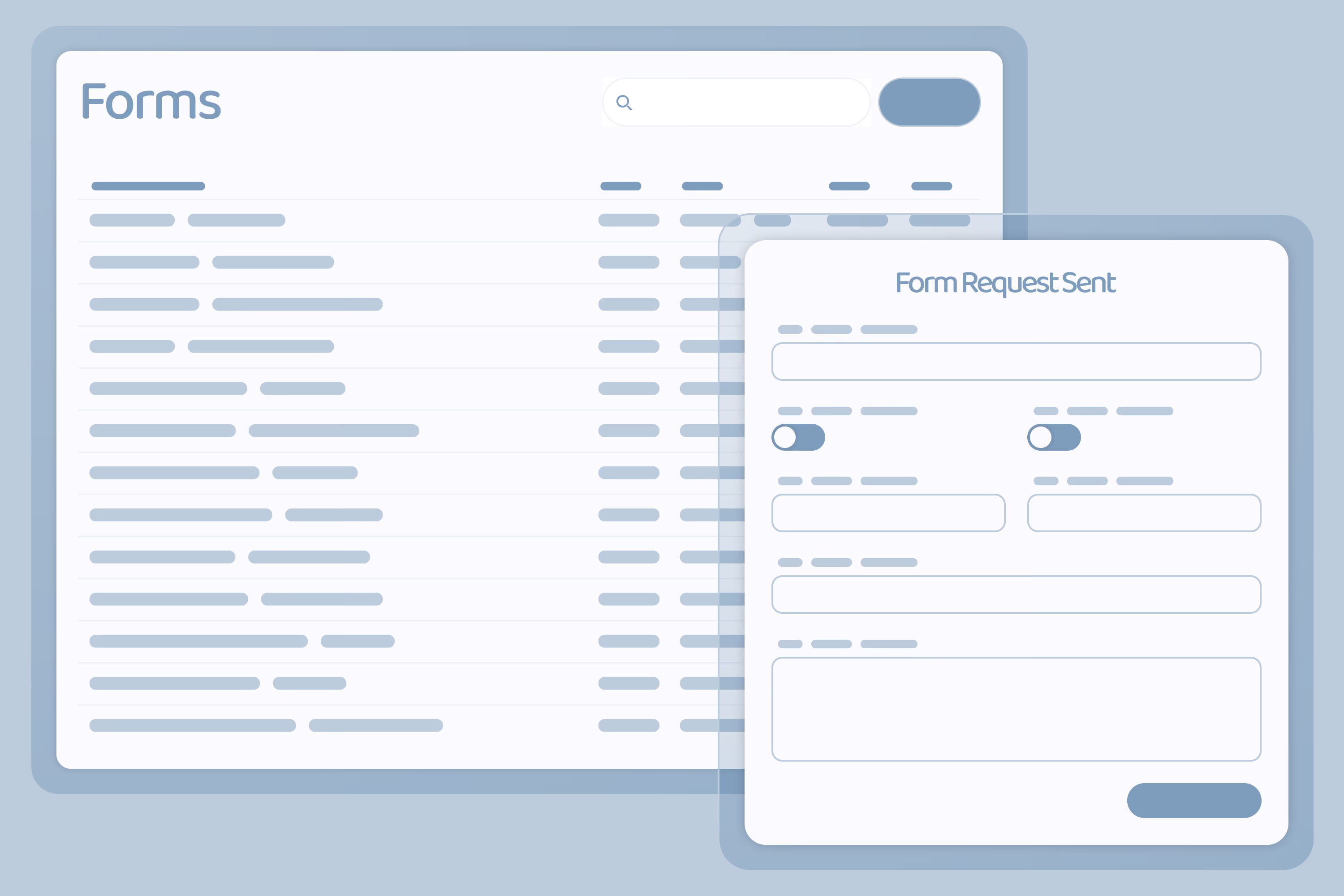
Send a request from a published template and respondents get an emailed link to complete it. Need to send one template to several people at once? Add all their details and send them together in one go.

Manage Form Requests

A dashboard provides an overview of all your forms and their statuses. It helps you monitor form activities and responses.

Planned Features

Upcoming Enhancements

Look forward to AI insights, and expanded integrations.

Table Form Control

Asset Library

Public API

Comment System

NFC Reader Form Control

Colour Picker Form Control

Scan Barcode Form Control

Matrix Control Form Control

Full Integration with FusionFlo Core

Nested Sections