FusionFlo Features

Oversee Teams

Team Management

Efficiently manage team activities, meetings, and communications. Optimise resource allocation and scheduling to ensure that your team are used efficiently across projects.

Time Recording

Log time against projects cost codes for accurate billing, costing, and utilisation reporting.

Holidays & Absences

Request, approve, and record holidays and absences, with clear visibility of team availability to keep resourcing on track.

Document Management

Store and organise documents against key system records, keeping every file secure and easy to find.

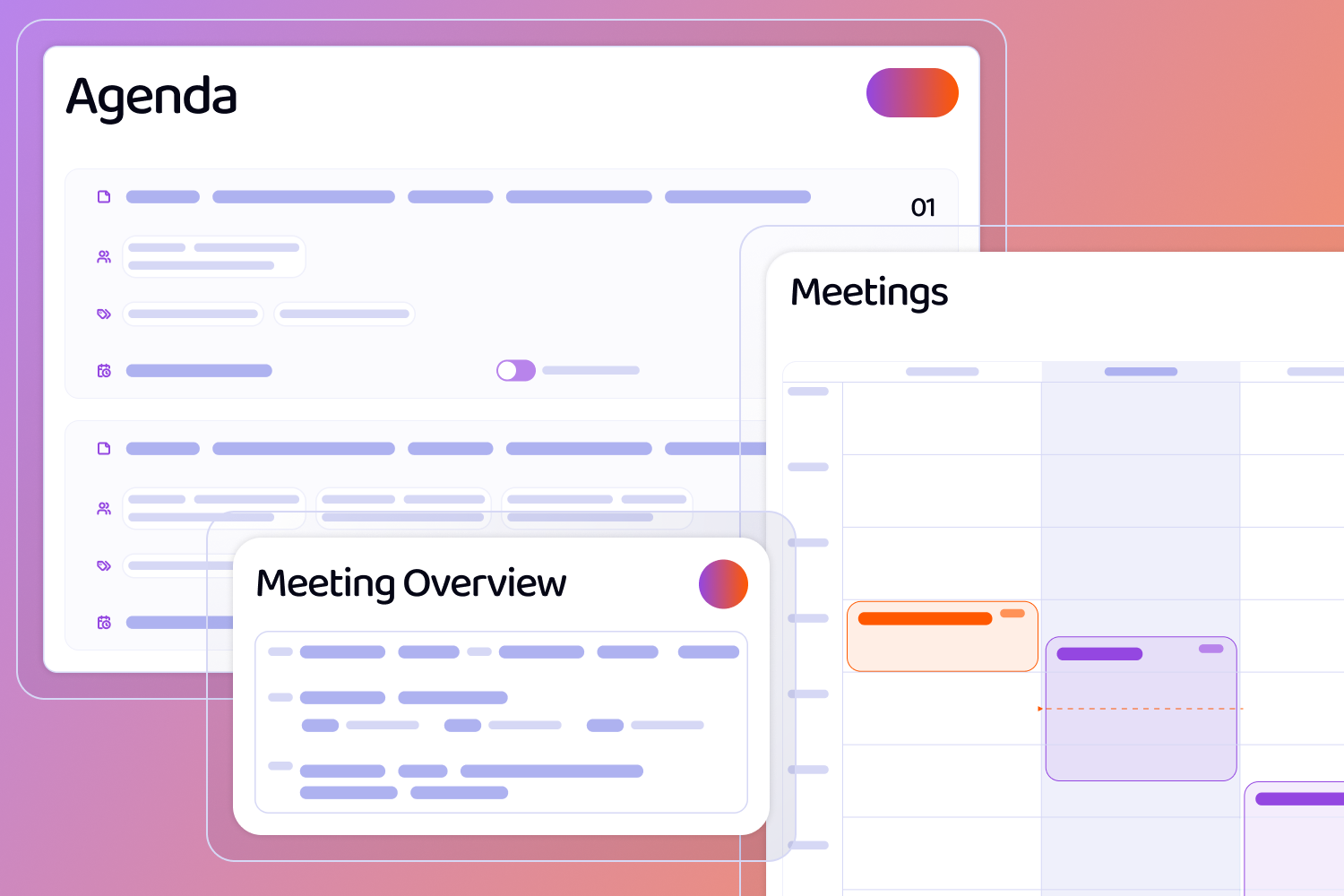
Wireframes of Screens that include Agenda, Meetings in a calendar format and a meeting overview popup.

Meetings

Meeting module allows for meetings to be recorded, agendas to be created, and meeting minutes to be generated.

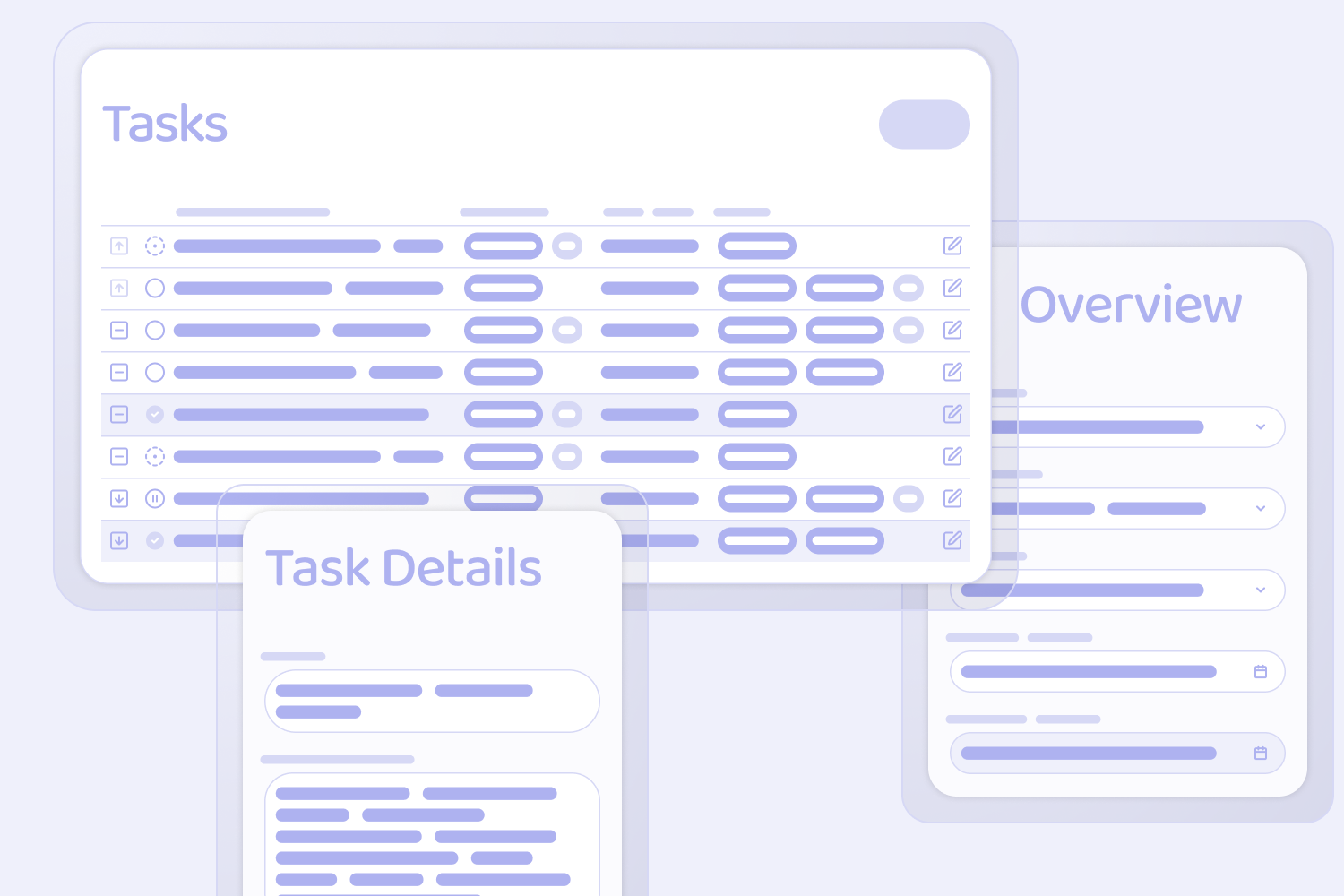
Wireframes of screens, including a Tasks Table, with priority, status and edit indicators, a Task Details pop up, and an overview pop-up

Tasks

Tasks module allowing users to create, assign, and manage tasks and link them to key system record.

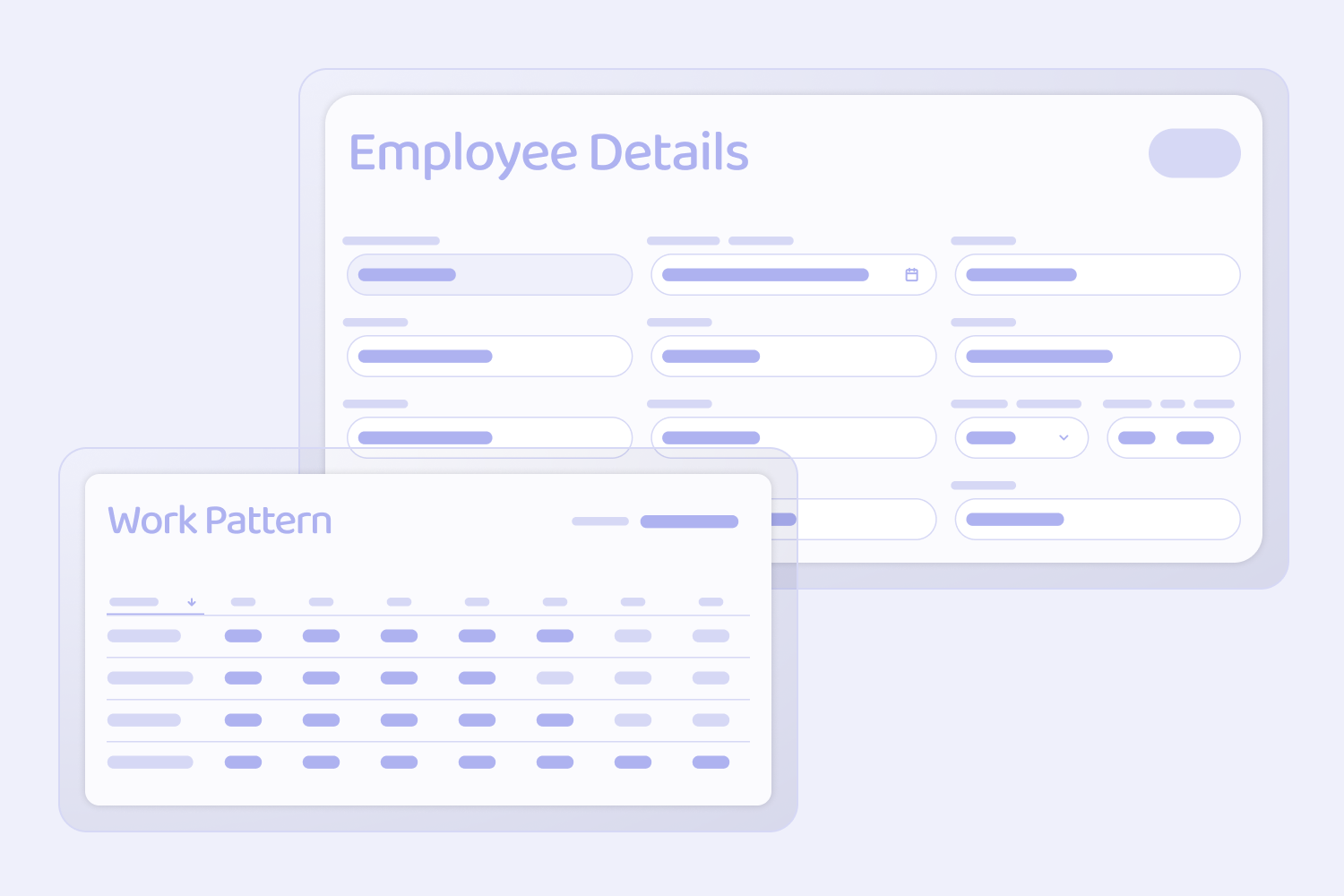
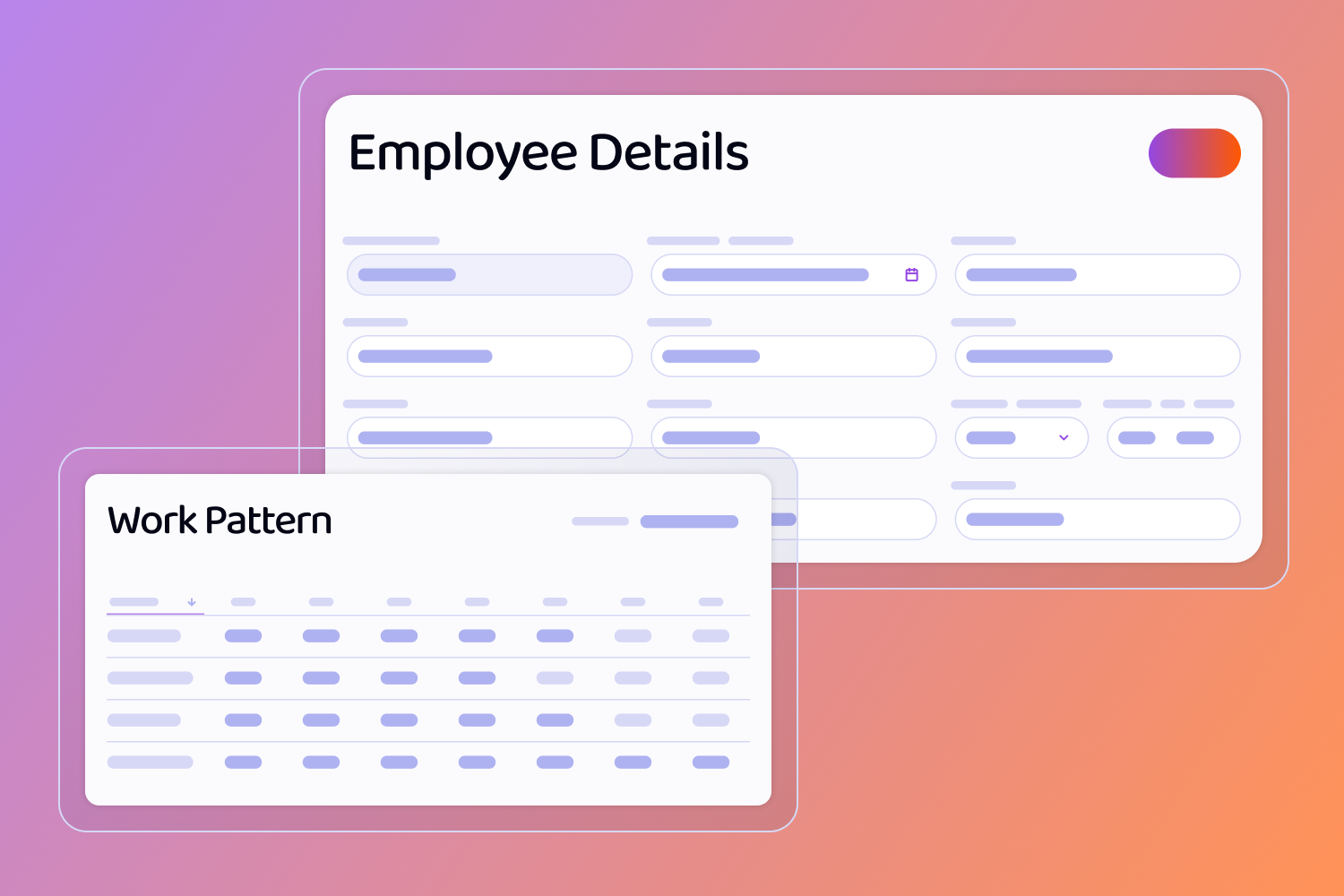
wireframes of screens including, Employee Details and a Work Pattern Table

Employee Management

Create and manage employee records and assign work patterns and cost rates to each employee as required.

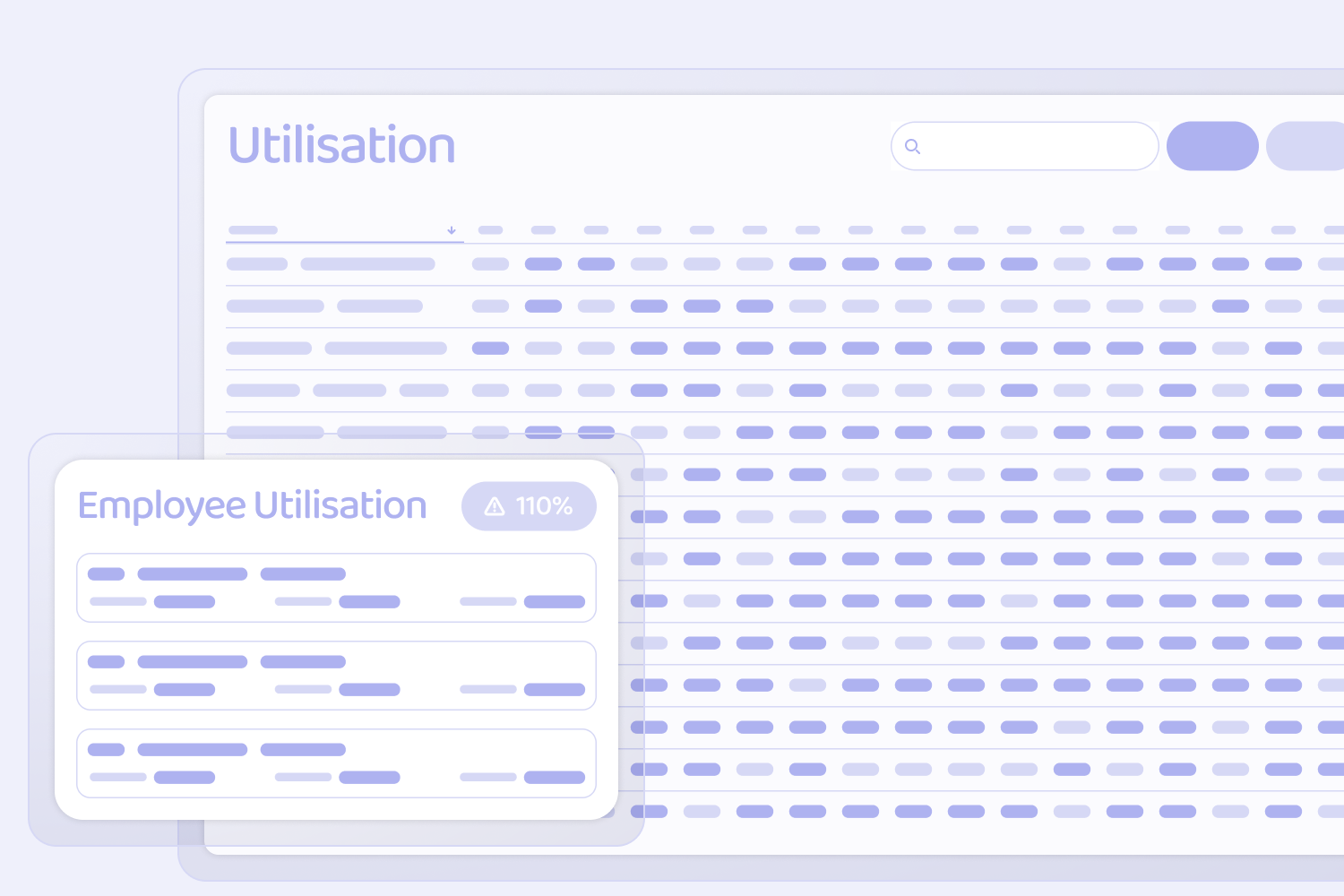
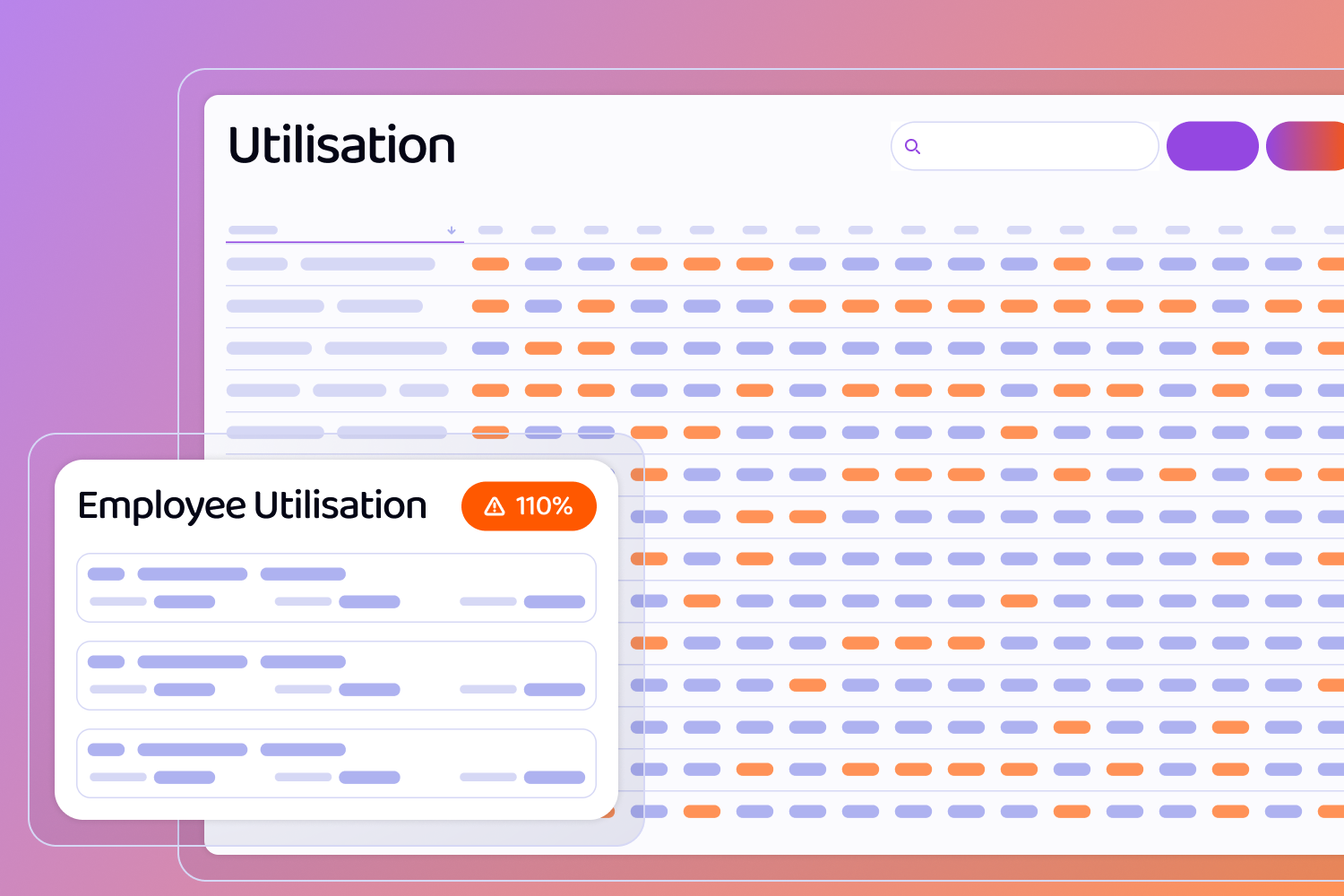
Wireframes of screens including a Utilisation chart and an employee Utalisation popup with a warning icon and the text 110%

Resource Utalisation

Utalisation overview showing both forecasted and actual utilisation of your team based on time scheduled and time logged.

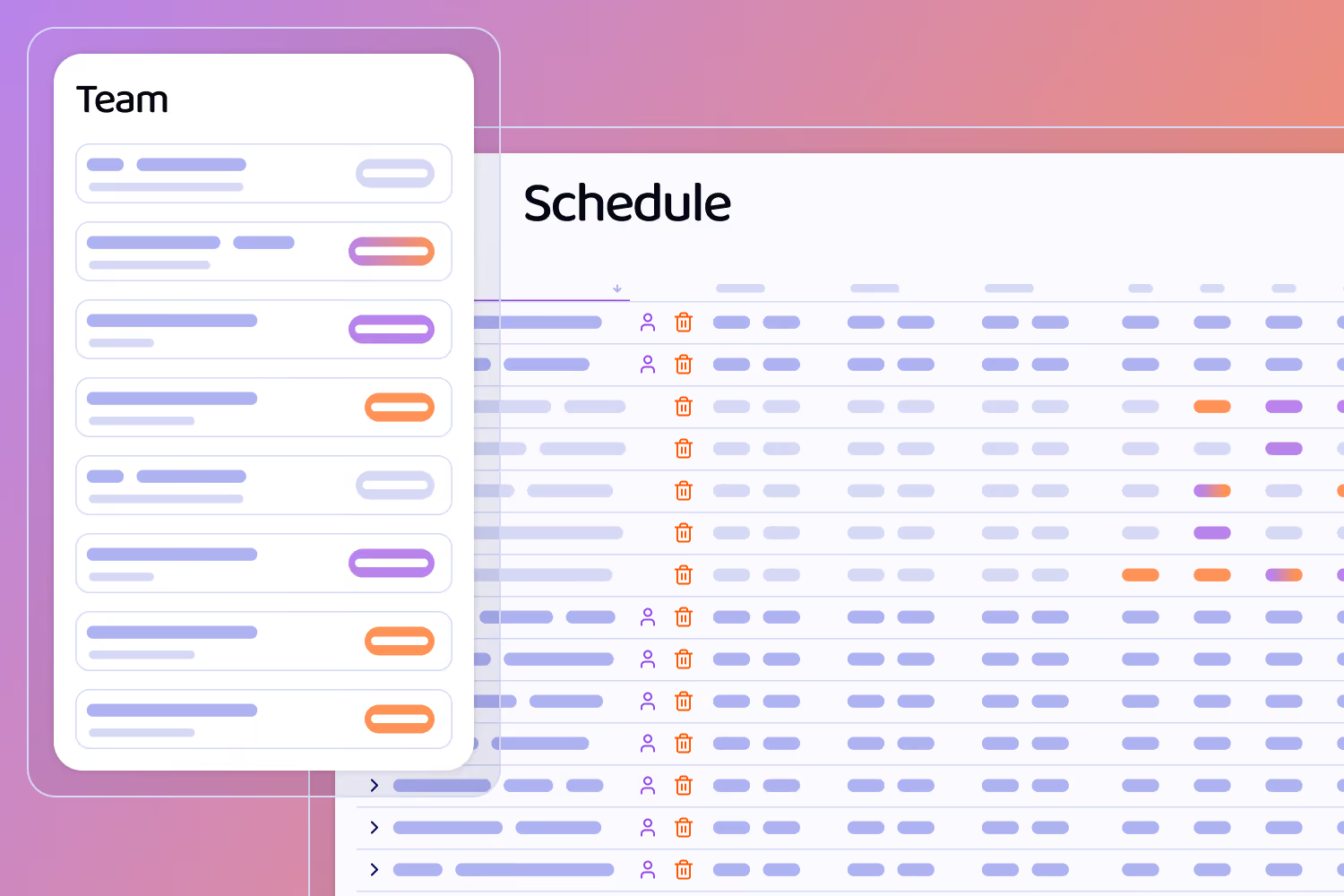
Wireframes of screens, including a Team panel and a schedule chart with a user and delete icon

Resource Scheduling

Schedule projects by allocation your employee resources to stages of your jobs.

Manage Deals

Sales & Purchasing

Streamline your sales process with tools to manage enquiries, quotes, and customer relationships all in one place. Simplify your procurement process with purchase orders, RFQs, and supplier management.

Sales Orders

Convert accepted quotes into sales orders and track them through to fulfilment.

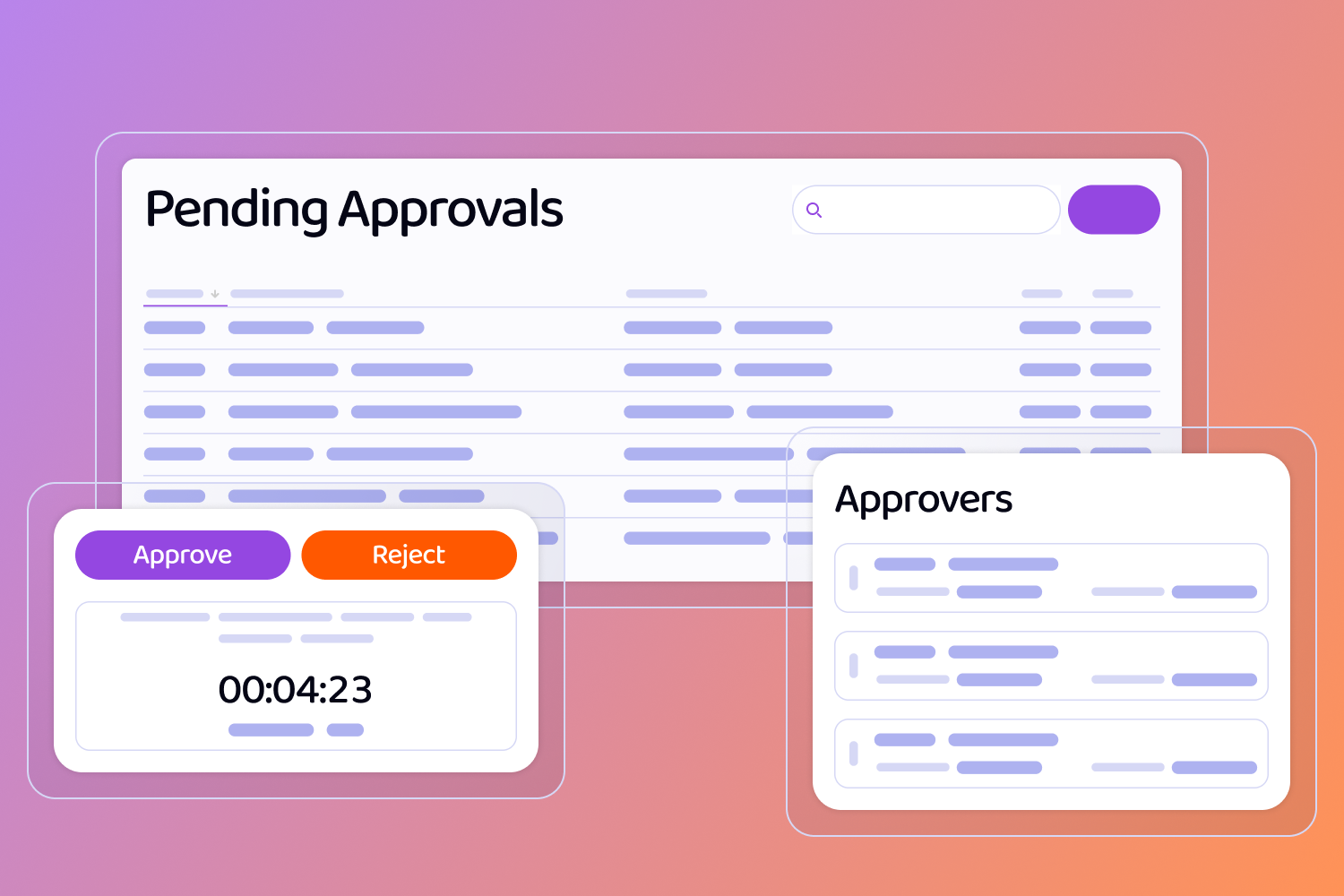
Wireframes of screens, including a Pending Approvals table, a popup with approve and reject buttons and a countdown, and another popup with a list of Approvers.

Approvals

Approval workflow allows for key financial records to be approved by the relevant parties.

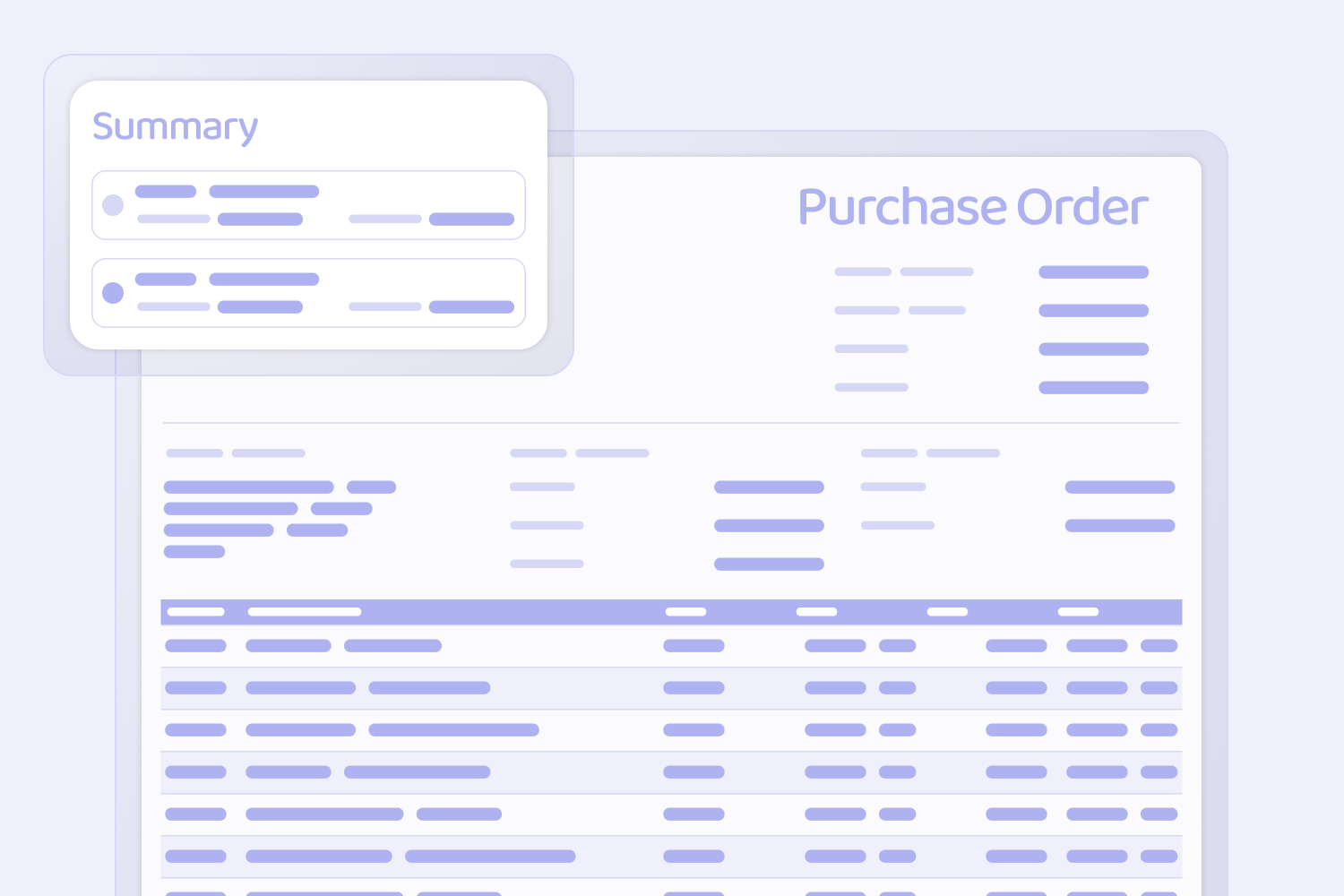
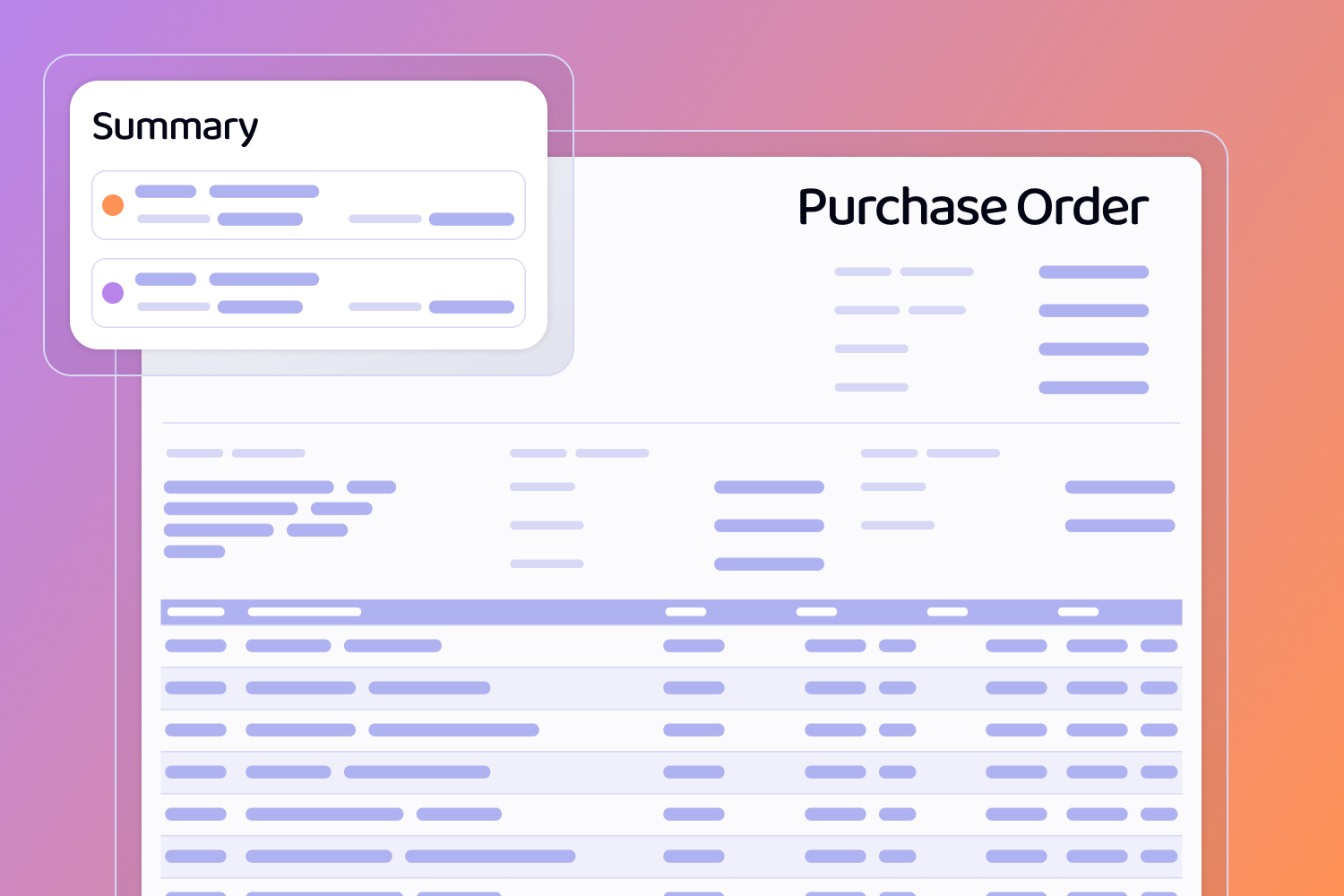
Wireframes of Screens including a Purchase Order Document and a Summary Pop-up

Purchase Orders

Create and issue supplier purchase orders.

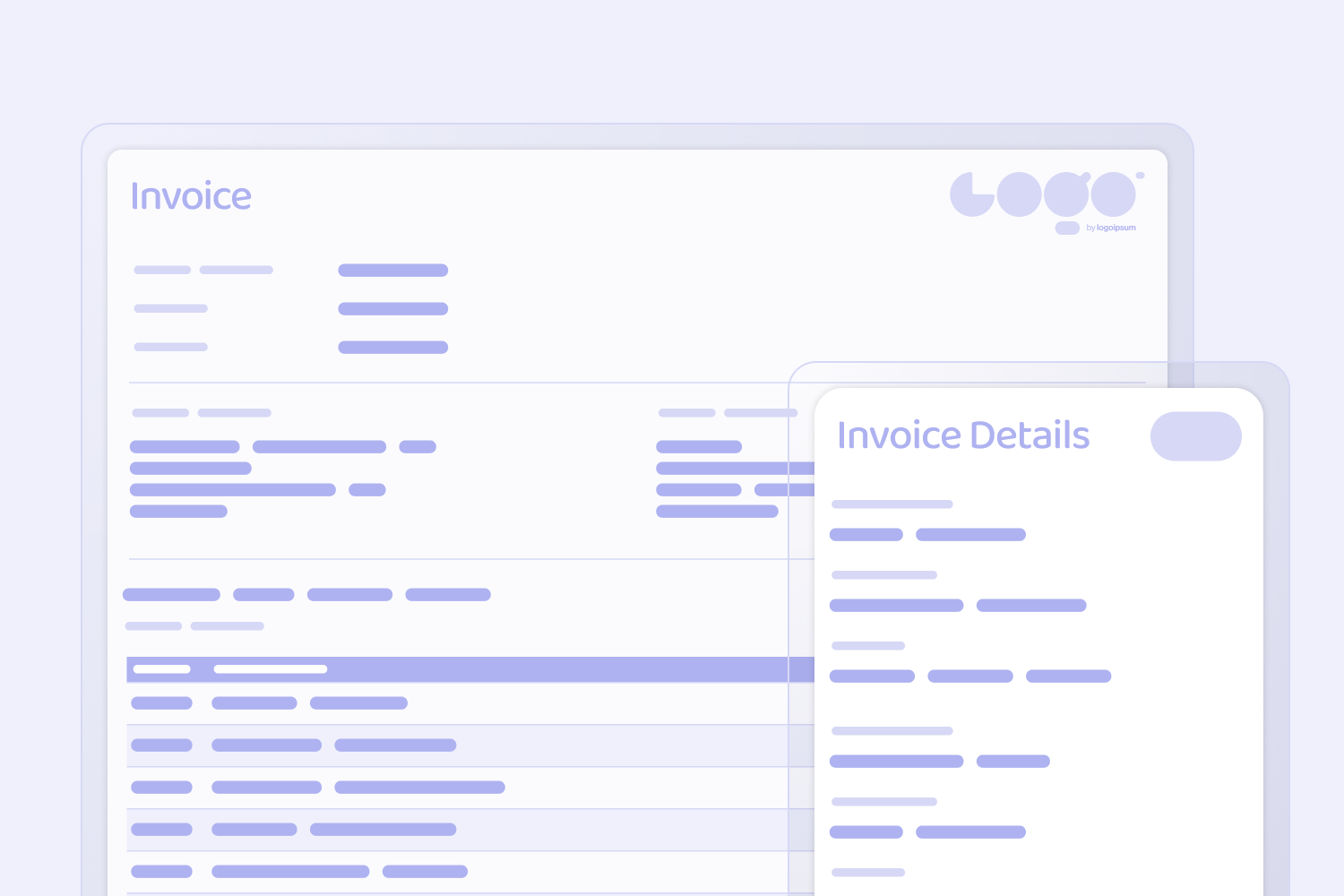
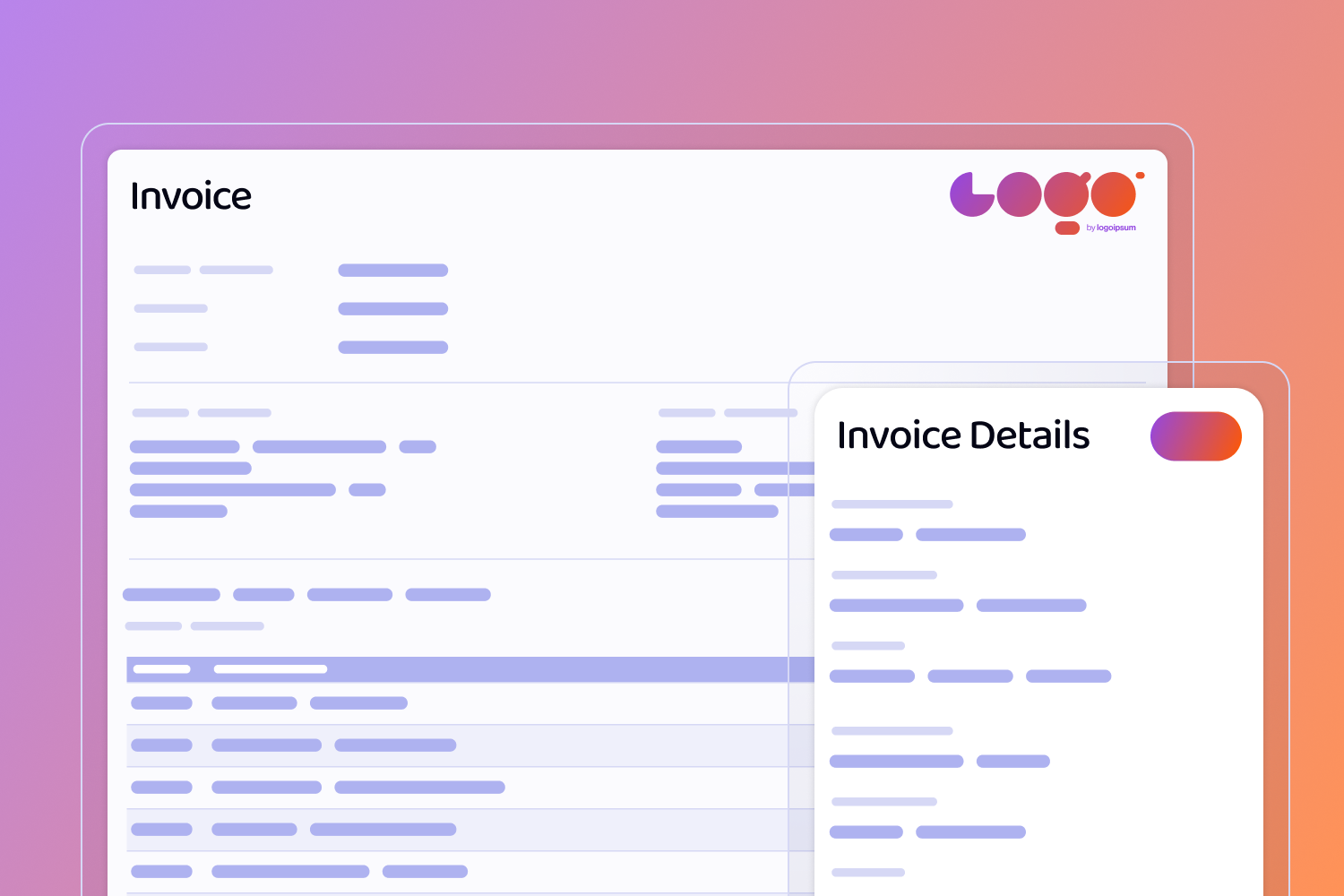
Wireframes of Screens including an Invoice Document with a company logo in the top left, as well as an invoice details pop-up.

Supplier Invoicing

Record supplier invoices and credit notes.

Supplier Quotes

View and manage received supplier quotes in order to determine best price and lead time options.

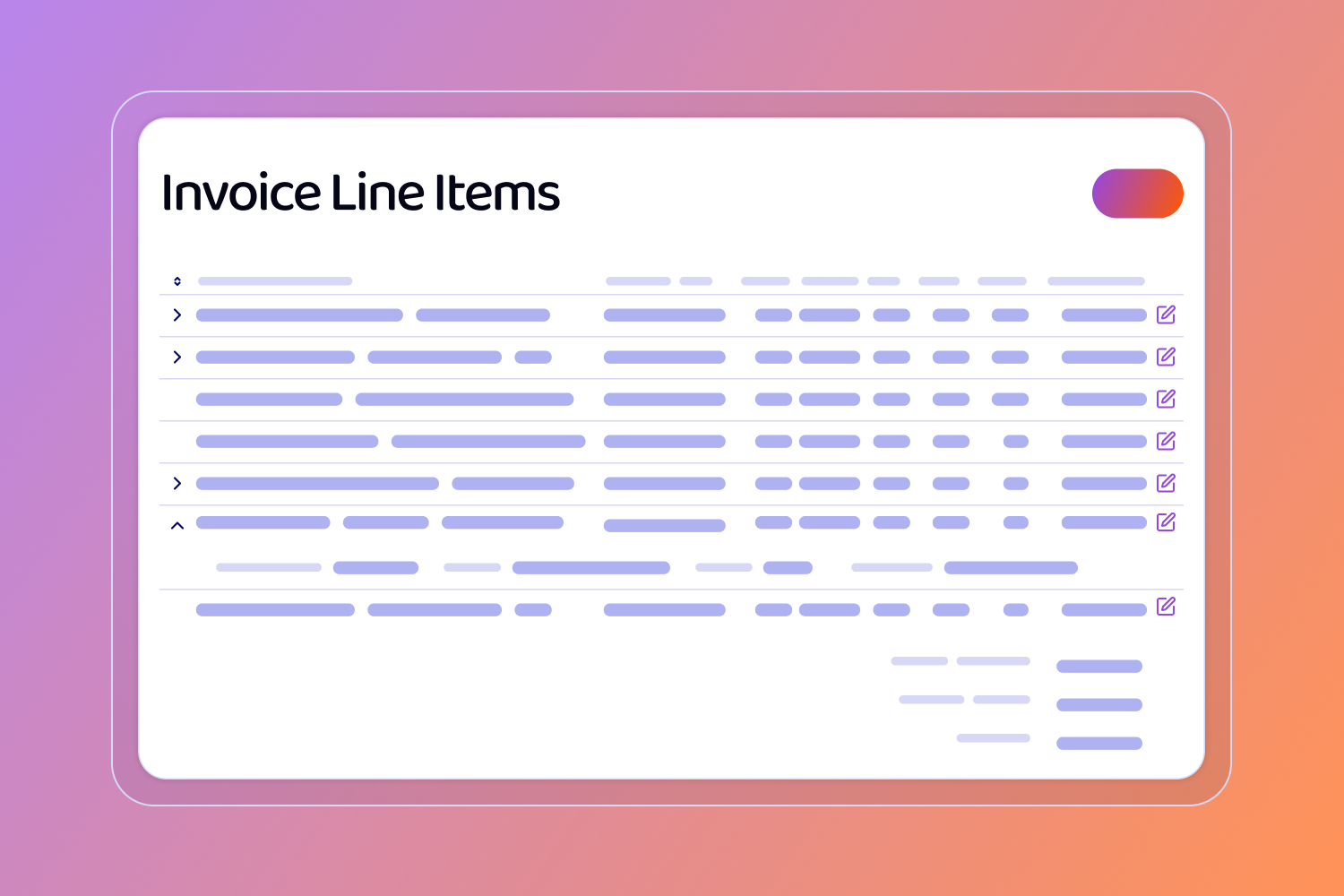
Wireframe of a screen containing Invoice line items in a table and edit icons

Customer Invoicing

Create and issue invoice and credit notes to your customers.

Supplier Account Management

Create and manage supplier accounts including contacts and addresses.

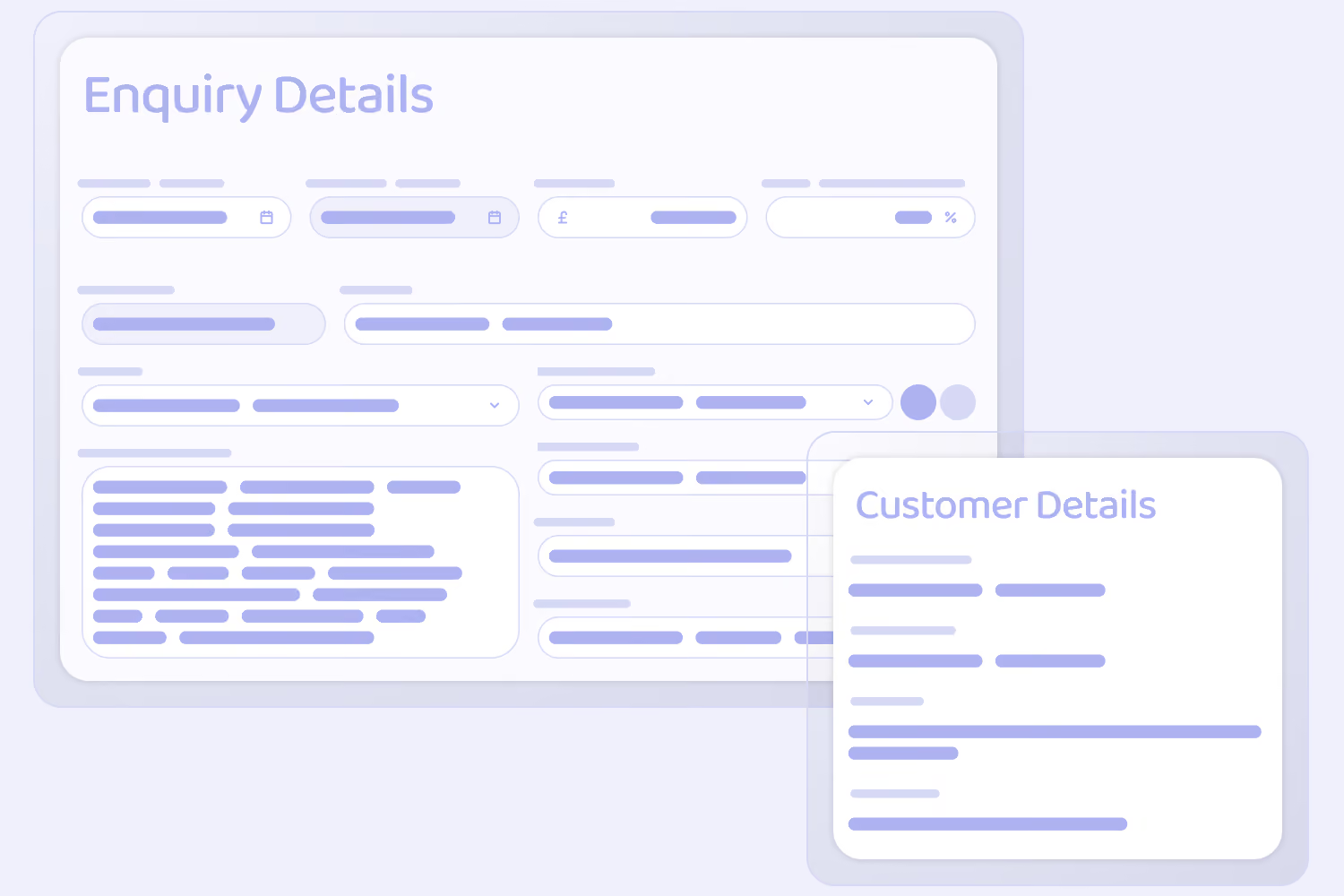
Wireframes of screens, including and Enquiry Details Form and a pop-up of Customer Details

Enquiries

Capture and manage customer enquiries from initial customer contact to a deal being won or lost.

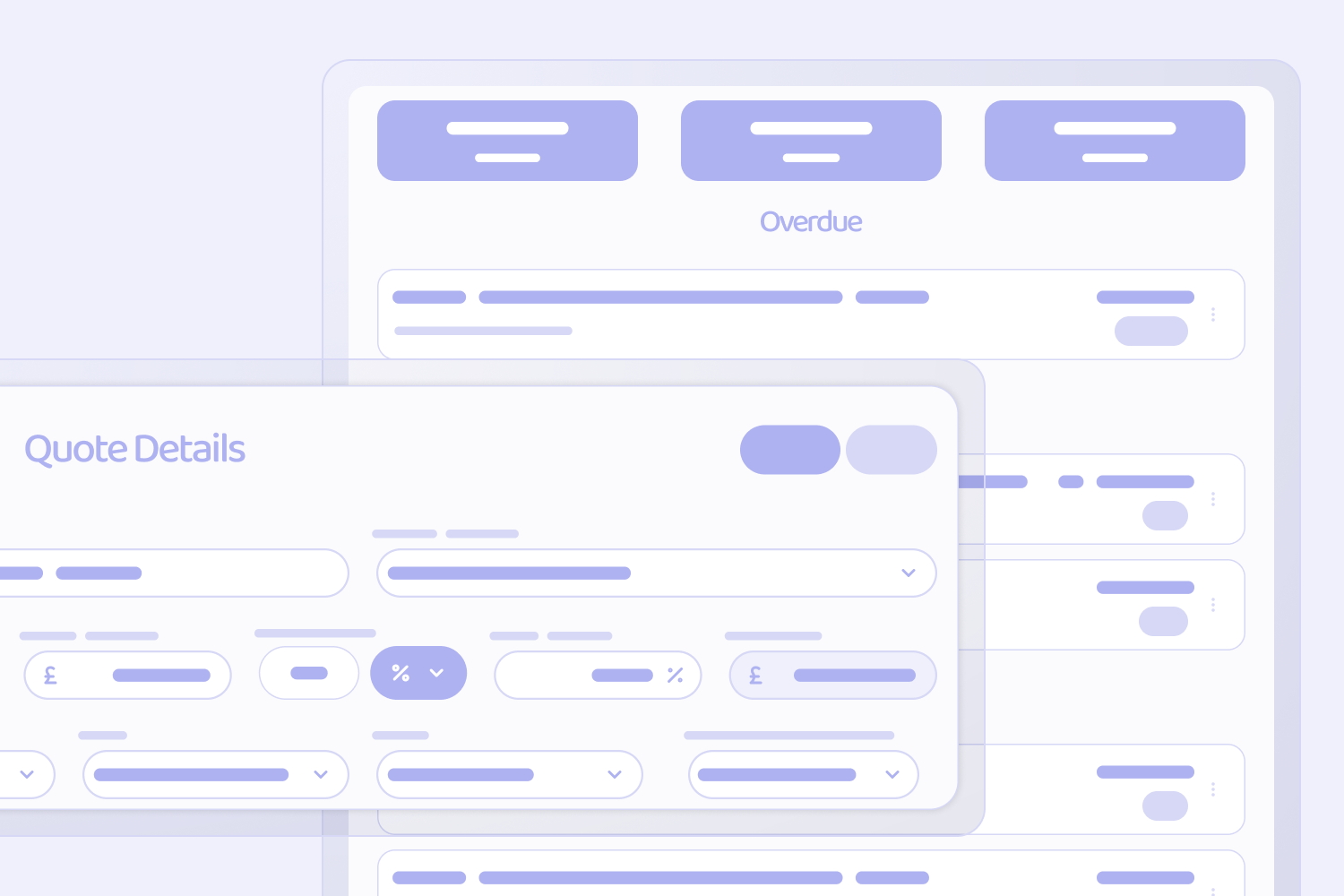
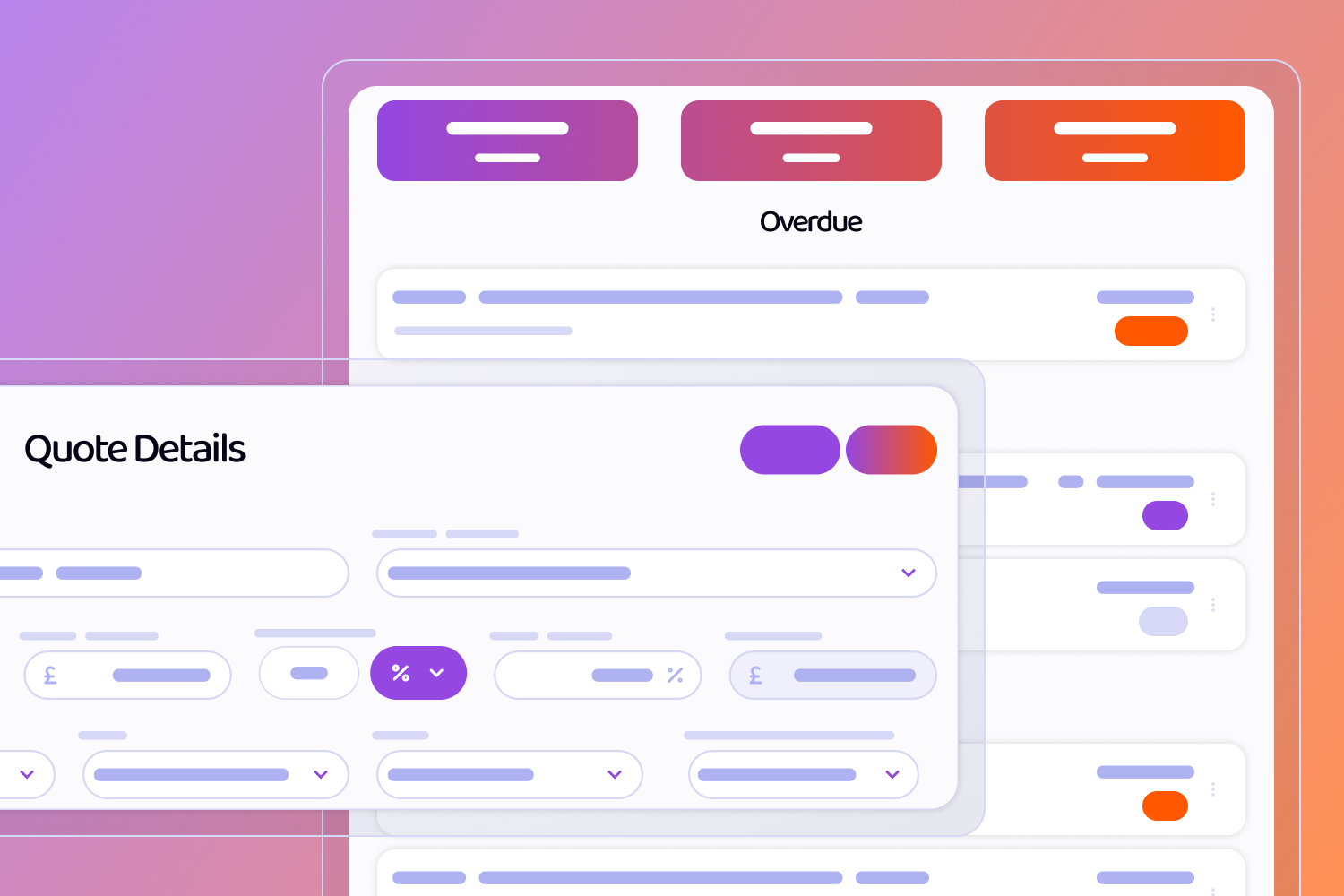
Wireframes of screens, including a Quotes overview list with an Overdue label, and a pop-up Quote Details form

Quotes

Create, manage, and issue customer quotes, including the ability to issue quotes for digital signature, and convert accepted quotes to projects.

Planned Features

Upcoming Enhancements

Look forward to advanced analytics, automated billing, AI insights, and expanded integrations.

Single Stream Communication

Project Templates

Warehousing

Supplier Portal

Contractor Portal

Inventory and Shipping

Quality Management Module